Skip to content

Extracting Information from PDFs and Storing in a Database Using Azure AI Services

Handling documents efficiently is a critical requirement for many businesses. Extracting structured data from PDF files and storing it in a database can streamline operations in finance, legal, healthcare, and other industries. Azure AI Services… 

Building a Fully Secure Architecture Integrating Azure OpenAI with APIM, Private Endpoints, and Applications

As AI adoption accelerates, organizations must ensure that AI services are secure, scalable, and compliant with enterprise security policies. Azure OpenAI Service provides powerful AI capabilities, but securing access to it is crucial when integrating… 

Introduction to SharePoint Agents AI-Powered Automation for Smarter Workflows

Microsoft continues to innovate in the world of enterprise collaboration, and the latest addition to the SharePoint ecosystem—SharePoint Agents—is set to revolutionize the way organizations manage content, automate tasks, and enhance productivity. With AI-driven capabilities,… 

Exploring the Copilot Prompt Gallery A Game-Changer for AI-Assisted Workflows

In today’s fast-paced digital world, AI-powered assistants like Microsoft CoPilot are transforming the way we work, making tasks more efficient and automated. One of the most exciting innovations in this space is the CoPilot Prompt… 

Creating Videos Using Clipchamp and AI

Video has become one of the most powerful and effective mediums for communication in today’s digital world. From brand storytelling and marketing campaigns to internal training and educational content, video enables creators to connect with… 

How to Enhance Prompts in Copilot A Guide for Project Managers

AI-powered tools like GitHub Copilot are transforming software development by assisting developers with code generation, debugging, and documentation. While Copilot is primarily used by engineers, project managers (PMs) can also leverage it to streamline project… 

How To Document a Process Flow using M365 Copilot

Documenting a process flow using Microsoft 365 Copilot involves leveraging AI-powered tools within Microsoft 365 apps like Word, PowerPoint, Visio, and OneNote. Here’s how you can do it step by step in this video and… 

How to Use Copilot in Outlook A Step by Step Guide

Microsoft’s Copilot in Outlook is a game-changer for managing emails efficiently. Powered by AI, it helps you draft emails, summarize long threads, and even suggest responses, saving you time and effort. If you’re looking to… 

How to Generate Slides in PowerPoint Using Microsoft Copilot in Minutes

Creating compelling and professional presentations can be time-consuming, but Microsoft Copilot, an AI-powered assistant, makes it significantly easier. Whether you need to build slides for a business meeting, a school project, or a sales pitch,… 

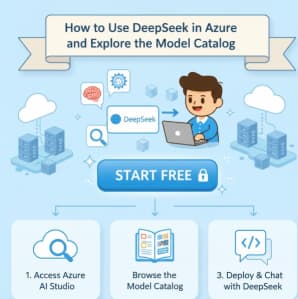
How to Use DeepSeek in Azure and Model Catalog

Artificial Intelligence (AI) and Large Language Models (LLMs) have revolutionized data processing, analysis, and decision-making. DeepSeek, an emerging AI model, offers powerful capabilities for various applications, including text generation, code completion, and complex problem-solving. Integrating… 

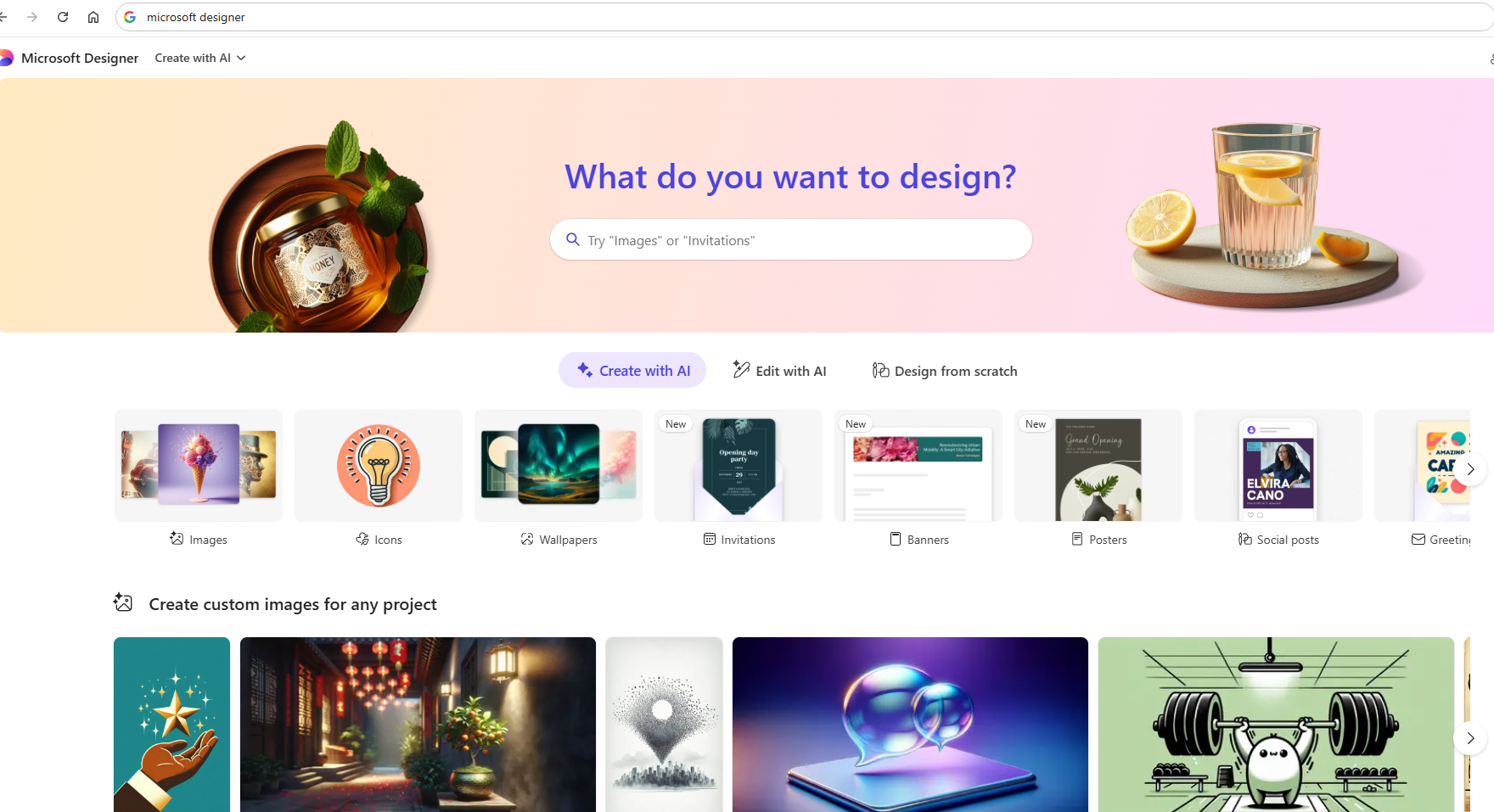
Exploring Microsoft Designer The Creative Tool for Everyone

In today’s digital-first world, creativity is no longer reserved for professional designers or those with extensive technical skills. Whether you’re a marketer, a small business owner, a student, or someone looking to create stunning visuals,… 

Microsoft Teams Immersive Space 3D and Mesh App

In the rapidly evolving digital workspace, Microsoft has consistently been at the forefront of innovation, and their latest offering — Teams Immersive Spaces powered by Mesh — is a testament to this leadership. Designed to…