Skip to content

SharePoint 2013 Workflow Retirement: What It Means for Your Business

Microsoft has officially entered the final chapter of SharePoint 2013 workflows, and for many organizations, this update is more than just another lifecycle announcement — it’s a wake-up call. The retirement of SharePoint 2013 workflows… 

Automating Daily Tasks with Microsoft Power Automate

In today’s fast-paced work environment, the difference between getting bogged down in routine chores and focusing on high-value work often comes down to how well we automate those repetitive tasks. That’s where Microsoft Power Automate… 

Transforming Remote Healthcare Collaboration with Microsoft 365

In today’s rapidly evolving healthcare environment, collaboration and secure communication are more critical than ever. Remote healthcare, telemedicine, and distributed care teams require tools that enable seamless interaction without compromising on compliance or patient privacy.… 

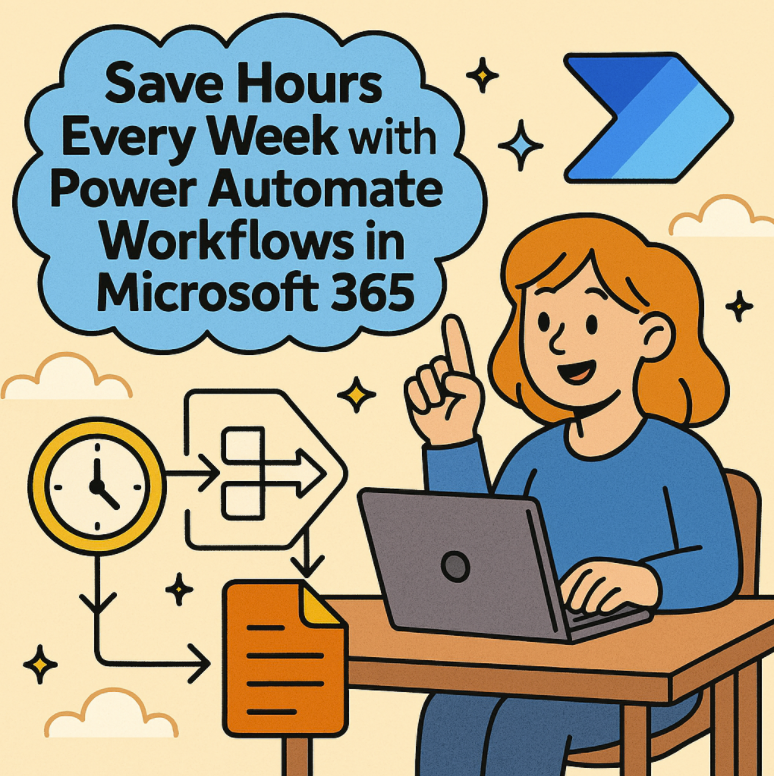
Save Hours Every Week with Power Automate Workflows in Microsoft 365

In today’s fast-paced work environment, time is the ultimate currency. Microsoft 365 offers a powerful tool to help reclaim your workday: Power Automate. With the ability to automate repetitive tasks and streamline workflows, Power Automate… 

Integrating Copilot Studio with Power Automate for End-to-End Workflows

Microsoft’s Copilot Studio is quickly becoming a go-to tool for building custom copilots that enhance productivity across business scenarios. But when paired with Power Automate, the possibilities multiply—transforming copilots from conversational agents into full-scale workflow… 

Getting Started with Power Automate A Beginner’s Guide

Automation has become essential in today’s digital workplace. Whether you’re an IT professional, business user, or tech enthusiast, Microsoft Power Automate offers a user-friendly way to streamline repetitive tasks, integrate systems, and boost productivity —… 

How to Export Jira to Excel Using Power Automate

Managing tasks in Jira is great for tracking agile work, but when it comes to reporting or sharing project insights with stakeholders, Excel remains the tool of choice for many. Automating the export of Jira… 

Supercharging Business Automation Microsoft Power Automate Integration with Azure AI

In today’s landscape of digital transformation, automation is no longer a luxury—it’s a necessity. Enterprises are under increasing pressure to streamline operations, reduce manual workloads, and deliver intelligent, responsive services to end-users. Microsoft has long… 

Exploring the RPA Landscape Top Tools Powering Intelligent Automation in 2025

As the wave of digital transformation accelerates, Robotic Process Automation (RPA) has emerged as a game-changer for organizations seeking to automate repetitive tasks and improve operational efficiency. But with a growing number of RPA tools… 

How to Create and Manage Approvals Flow in Microsoft Teams

In the modern workplace, streamlined communication and quick decision-making are essential. Microsoft Teams has evolved into more than just a collaboration hub — it now supports built-in approval workflows that help organizations simplify decision processes… 

Power BI Unlocking the Power of Data Analysis

In today’s data-driven world, businesses are constantly generating and collecting massive volumes of data—from sales figures to customer feedback to operational metrics. However, data without context or insight is just noise. This is where Power… 

Troubleshooting Power Apps Issues Like a Pro

Power Apps has revolutionized the way we build business applications, empowering both citizen developers and pro developers to design solutions with ease. However, like any platform, it comes with its fair share of issues —…