Skip to content

Best Windows 11 Widgets (and How to Add Them)

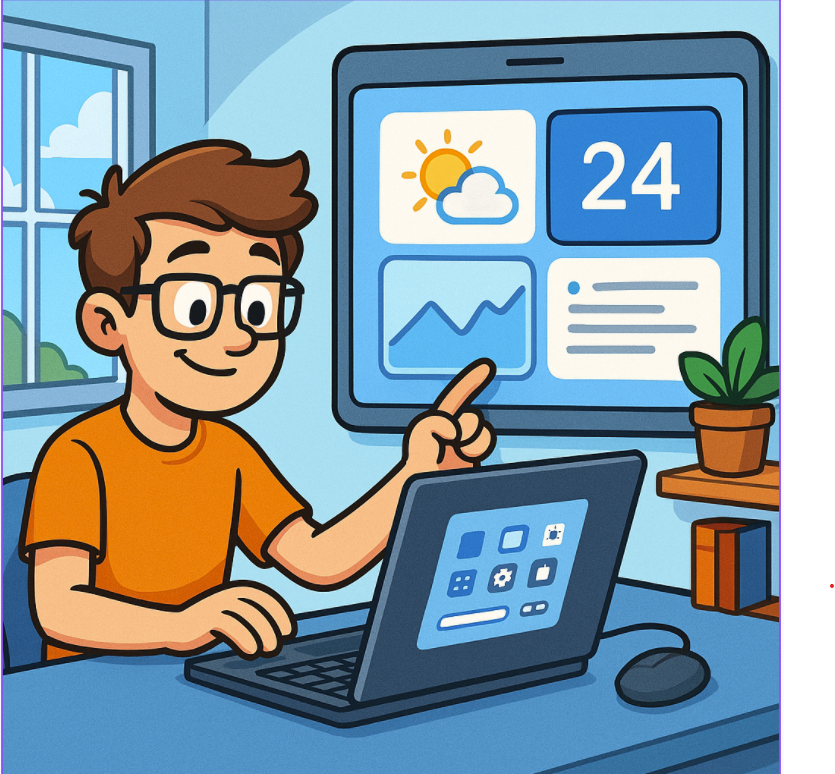
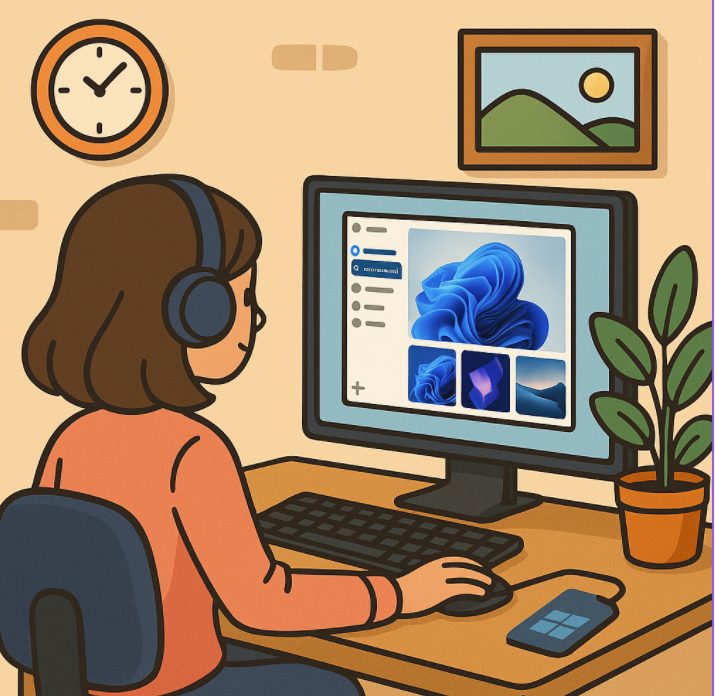
Windows 11 brought a fresh design and new features that make your desktop more interactive and productive. Among these, widgets stand out as a convenient way to get quick access to important information at a… 

Windows 11 Clipboard History & Cloud Sync Copy-Paste Superpowers

Copy-paste might feel like one of the most basic things we do on a computer, but in Windows 11, it has evolved into something much smarter. Microsoft has supercharged the clipboard with features like Clipboard… 

Mastering Clipchamp – From Beginner to Pro 1

“Lights, Camera, Clipchamp! – Getting Started with the Basics” If you’ve ever wanted to edit videos but felt overwhelmed by complicated software, you’re going to love Clipchamp. It’s Microsoft’s free, browser-based video editor designed for… 

How to Use Focus Sessions in Windows 11 to Stay Productive

In today’s fast-paced digital world, staying focused can feel like a constant battle. Between endless notifications, emails, and social media pings, deep work often takes a back seat. Microsoft recognized this challenge and introduced Focus… 

How to Set Up Hyper-V Virtual Machines in Windows 11

Virtual machines are a powerful way to run multiple operating systems, test software in isolated environments, and build lab setups without needing extra hardware. If you’re on Windows 11 Pro, Enterprise, or Education editions, you… 

Syncing Your Android Phone with Windows 11 Using Phone Link

Staying connected across devices has become essential in today’s digital world. Microsoft’s Phone Link (formerly known as Your Phone) makes it easy to sync your Android device with Windows 11, giving you seamless access to… 

How to Join and Use the Windows Insider Program

If you’re excited about getting early access to new Windows features before the general public, the Windows Insider Program is your gateway. It allows users to test upcoming builds, explore new features, and provide feedback… 

Microsoft Defender Advanced Protection Tips for Windows 11

Windows 11 comes with Microsoft Defender Antivirus built-in, offering powerful protection without requiring third-party software. While it works well out of the box, enabling a few advanced settings can significantly strengthen your defenses against ransomware,… 

Privacy Settings to Review Right After Installing Windows 11

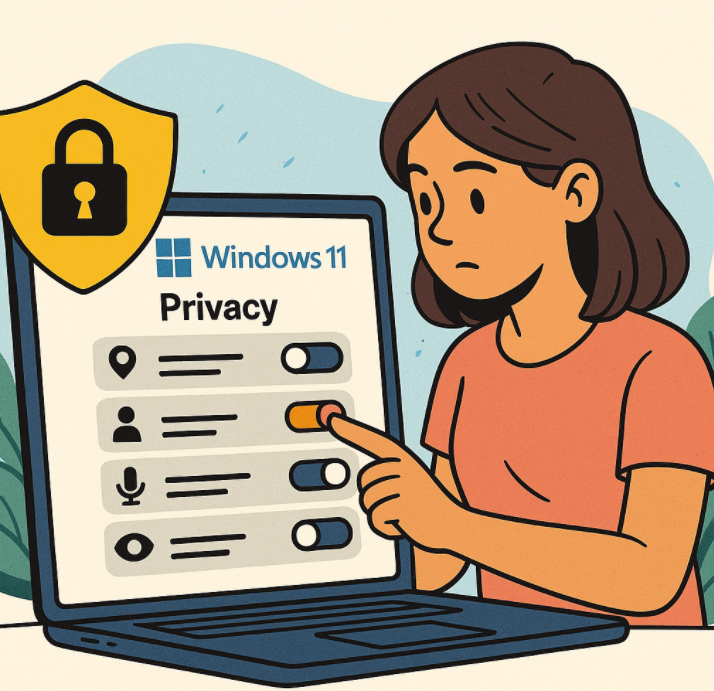
When you first set up a new Windows 11 PC, it’s easy to click through the setup screens just to get started. But Microsoft’s default settings often lean toward data collection and personalization, which may… 

Fixing Common Windows 11 Update Errors

Keeping Windows 11 up to date is essential for security, stability, and performance. However, update errors can sometimes get in the way. If you’ve run into issues while installing the latest Windows 11 updates, don’t… 

How to Speed Up Boot Time in Windows 11

Waiting for your PC to boot can be frustrating, especially when you’re in a rush. Windows 11 is generally faster than its predecessors, but unnecessary startup apps, outdated drivers, or misconfigured settings can slow things… 

Mastering Windows 11 Keyboard Shortcuts You Didn’t Know Existed

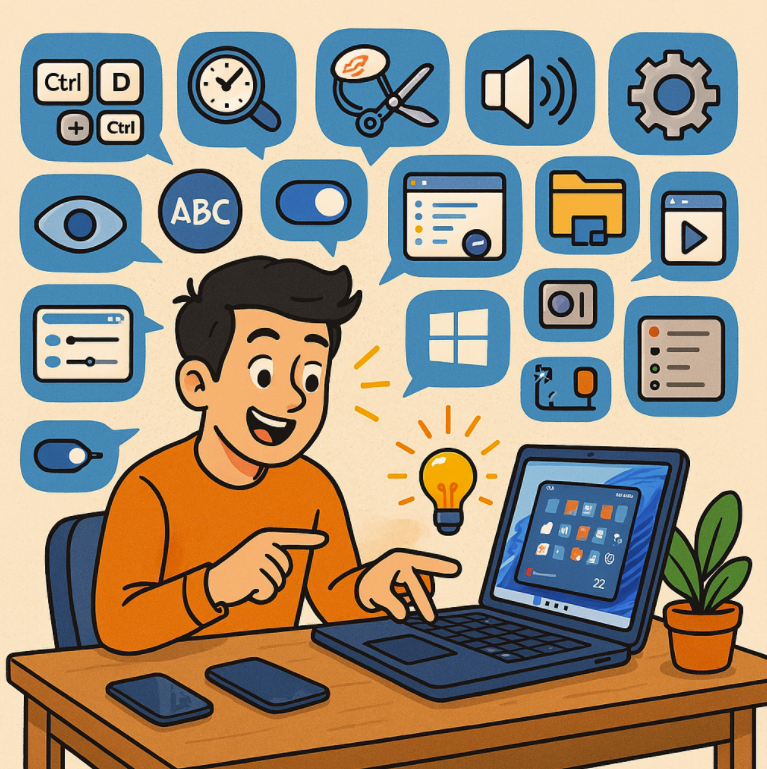
Windows 11 brings a sleek new design and improved performance, but one of its most underrated upgrades lies in keyboard shortcuts. While many classics from Windows 10 still work, Microsoft has introduced a collection of…