Skip to content

Fixing Common Windows 11 Update Errors

Keeping Windows 11 up to date is essential for security, stability, and performance. However, update errors can sometimes get in the way. If you’ve run into issues while installing the latest Windows 11 updates, don’t… 

How to Speed Up Boot Time in Windows 11

Waiting for your PC to boot can be frustrating, especially when you’re in a rush. Windows 11 is generally faster than its predecessors, but unnecessary startup apps, outdated drivers, or misconfigured settings can slow things… 

Mastering Windows 11 Keyboard Shortcuts You Didn’t Know Existed

Windows 11 brings a sleek new design and improved performance, but one of its most underrated upgrades lies in keyboard shortcuts. While many classics from Windows 10 still work, Microsoft has introduced a collection of… 

Turning Widgets into a Personal Productivity Dashboard in Windows 11

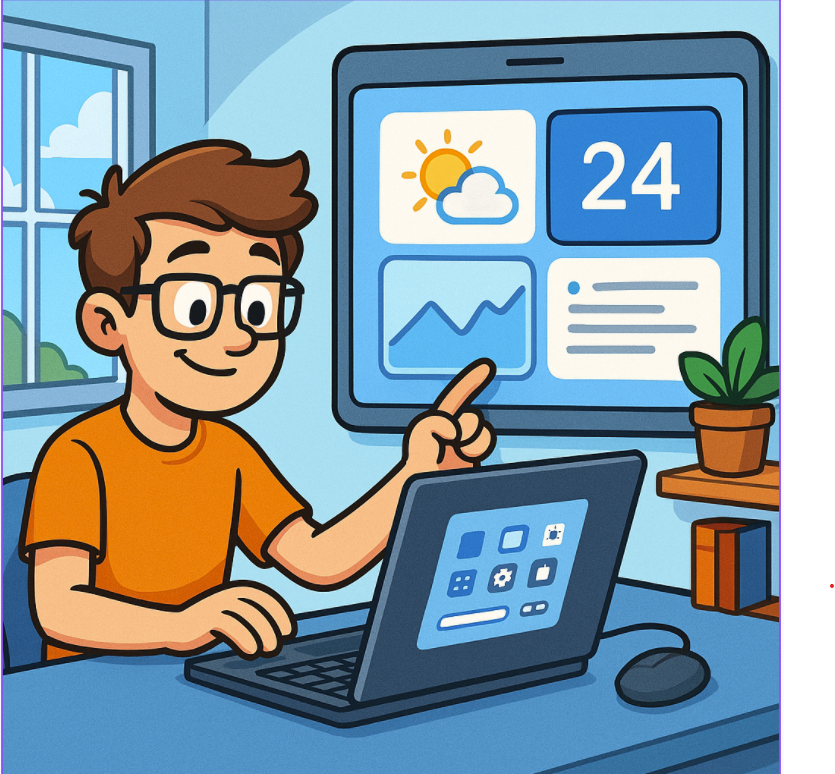
Windows 11 brought a sleek new interface and, with it, the Widgets panel—a customizable space for at-a-glance information. While many people ignore it, widgets can actually serve as your personal productivity dashboard. Instead of opening… 

Windows 11 Setting Up Virtual Desktops for Better Multitasking

Multitasking is at the heart of productivity, and Windows 11 makes it easier than ever with Virtual Desktops. Whether you’re juggling work projects, personal tasks, or creative hobbies, virtual desktops let you organize your space… 

Mastering Snap Layouts and Snap Groups in Windows 11

Windows 11 has introduced several productivity-focused features, and Snap Layouts and Snap Groups are among the most useful. They make multitasking seamless by allowing you to quickly arrange windows on your screen and return to… 

Automating Your Digital Peace Quiet Hours and Focus Assist

Constant pings, banners, and chimes can turn even the calmest work session into a notification battlefield. Windows’ Focus Assist and Quiet Hours are great tools for silencing distractions — but if you have to remember… 

Recover Deleted Files with Windows File Recovery A Lifesaver from Microsoft

Have you ever accidentally deleted an important file and thought it was gone forever? Whether it’s a work document, a precious family photo, or a project you’ve been working on for weeks, the loss can… 

Boost Your Productivity with Microsoft PowerToys The Ultimate Toolbox for Windows Power Users

If you’re a Windows user looking to supercharge your productivity, streamline workflows, or just make everyday tasks easier, Microsoft PowerToys is a must-have. This open-source set of utilities, built specifically for power users, brings a… 

Troubleshooting Windows 11 Issues A Practical Guide for IT Pros

Windows 11 has been steadily gaining adoption across enterprise environments, offering a fresh UI, enhanced security, and seamless integration with cloud services like Microsoft 365. But like any operating system, it comes with its quirks.… 

Optimize and Secure Your System with Microsoft PC Manager

In today’s fast-paced digital landscape, maintaining peak PC performance and ensuring system health is crucial—not just for consumers but for IT pros and business users as well. Microsoft has stepped in with a surprisingly lightweight… 

Windows 11 built in Gadgets

Windows 11, unlike earlier versions like Windows 7 which had “desktop gadgets,” doesn’t use traditional gadgets. Instead, Microsoft revamped the experience into Widgets and integrated system tools. These are modern, web-powered, and securely sandboxed. Here…