Skip to content

Mastering Clipchamp – From Beginner to Pro 4

Make It Pop – Text, Titles, and Subtitles Text adds context, emphasis, and clarity. Clipchamp provides animated and static text options. Step 1: Add Text & Titles Step 2: Customize Fonts, Colors, & Sizes Step… 
Mastering Clipchamp – From Beginner to Pro 3

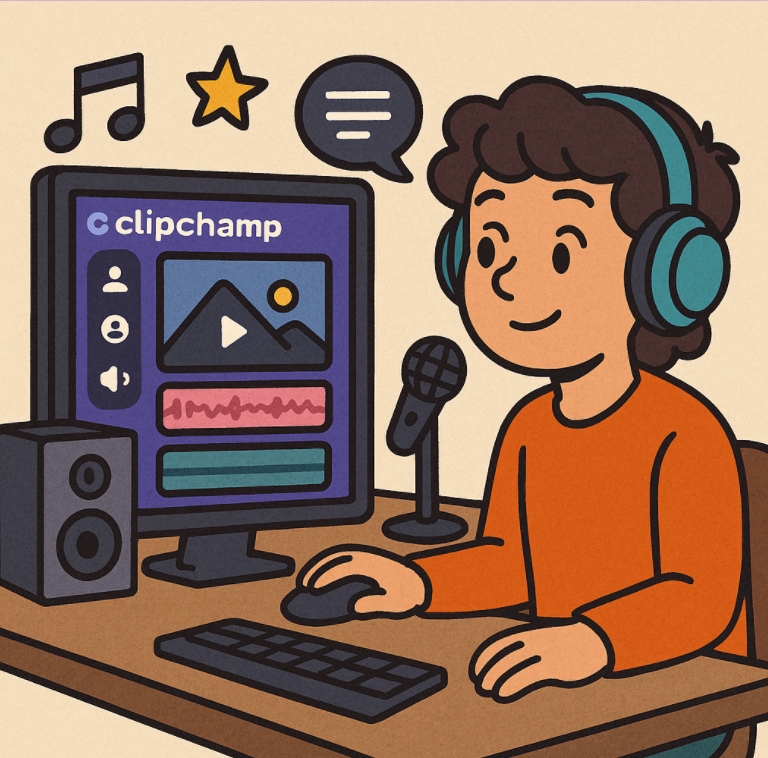
Sound On! – Adding Music, Voiceovers, and Audio Effects Even a visually stunning video can fail without good audio. Clipchamp makes adding music, sound effects, and voiceovers easy. Step 1: Add Background Music Step 2:… 

Mastering Clipchamp – From Beginner to Pro 2

Cut, Trim, Shine – Editing Made Easy Editing turns raw footage into a compelling story. In Clipchamp, trimming, splitting, and arranging clips is simple and visual. Step 1: Import Media Step 2: Trim & Split… 

Mastering Clipchamp – From Beginner to Pro 1

“Lights, Camera, Clipchamp! – Getting Started with the Basics” If you’ve ever wanted to edit videos but felt overwhelmed by complicated software, you’re going to love Clipchamp. It’s Microsoft’s free, browser-based video editor designed for… 

Unlocking Creativity AI and Clipchamp – Use Cases & Step-by-Step Guide

In the age of digital content, creators are constantly seeking tools that make video editing faster, smarter, and more engaging. That’s where AI and tools like Clipchamp come in. Whether you’re a marketer, educator, or… 

Introducing the Unified Clipchamp Start Page in Microsoft 365

Video creation has officially entered the Microsoft 365 productivity suite. With the new unified Clipchamp start page, Microsoft is streamlining the way individuals and teams create, edit, and manage videos—right alongside their documents, spreadsheets, and… 

Creating Videos Using Clipchamp and AI

Video has become one of the most powerful and effective mediums for communication in today’s digital world. From brand storytelling and marketing campaigns to internal training and educational content, video enables creators to connect with…