Skip to content

Understanding the Microsoft 365 Roadmap

The Microsoft 365 ecosystem evolves rapidly, with new apps, features, and security enhancements rolling out almost every week. For IT professionals, business leaders, and even everyday users, keeping up with these updates can feel overwhelming.… 

How to Test and Roll Out New Features Without Disrupting Users in Microsoft 365

Microsoft 365 evolves constantly, with new features and updates rolling out regularly. While this innovation is great, IT admins often face the challenge of introducing changes without overwhelming end users or disrupting business operations. The… 

Common Mistakes When Upgrading from Older Office Versions to Microsoft 365

Many organizations are moving from older on-premises versions of Microsoft Office (like Office 2010, 2013, or 2016) to Microsoft 365’s cloud-based suite. The transition brings big benefits—real-time collaboration, enhanced security, and always-up-to-date apps. But without… 

Avoiding SharePoint Sprawl Without Killing Collaboration

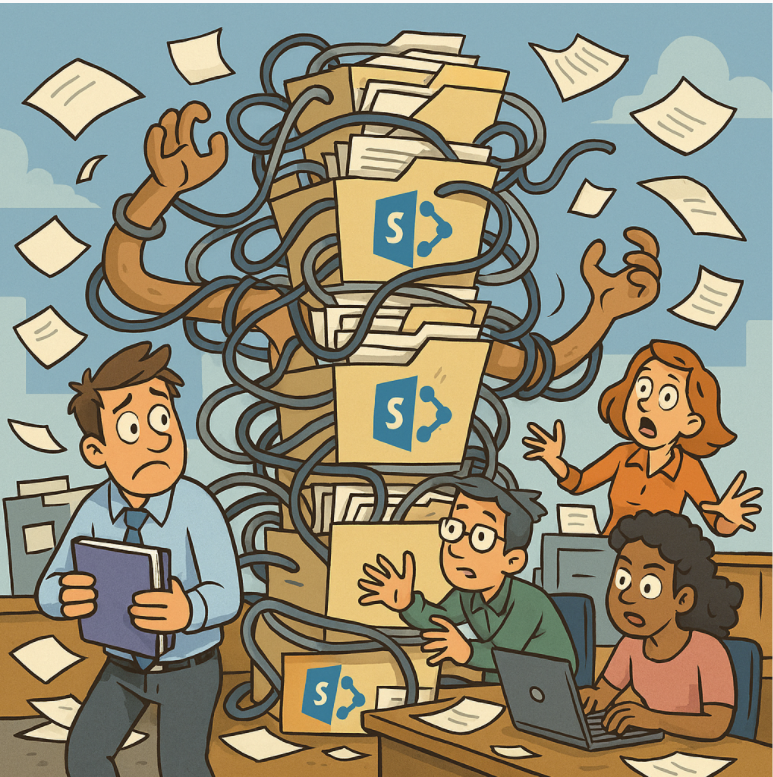
SharePoint has become the backbone of collaboration for many organizations. Its flexibility is a blessing—teams can create sites, share documents, and manage projects with ease. But without governance, that same flexibility can quickly turn into… 

What to Do When SharePoint Search Doesn’t Return the Right Results

SharePoint search is one of the platform’s most powerful features—when it works as expected. But many organizations face a common frustration: search results that don’t seem accurate, complete, or relevant. If your users are struggling… 

Accessibility Features in Microsoft 365 That Most Admins Forget to Enable

Microsoft 365 is packed with accessibility tools designed to make digital workplaces more inclusive for everyone. However, many of these features remain overlooked or underutilized by IT administrators. Ensuring accessibility isn’t just about compliance—it’s about… 

Lesser-Known Microsoft 365 Features That Save Hours (Beyond Teams and Outlook)

When most people think of Microsoft 365, they picture Outlook for email and Teams for meetings. But beneath the surface, Microsoft 365 is packed with lesser-known features that can shave hours off your week—if you… 

How Nonprofits Can Maximize Microsoft 365 Donations

Nonprofits are constantly looking for ways to stretch limited resources while making the greatest impact. One of the most valuable yet underutilized opportunities is the Microsoft 365 donation program for nonprofits. Through Microsoft’s nonprofit offers,… 

Microsoft 365 for Education Best Practices for Teachers

If you’re teaching with Microsoft 365, you’ve probably realized it can be both a lifesaver and a little overwhelming. Between Teams, OneNote, Forms, and the classic Word/PowerPoint/Excel apps, there’s so much to explore. The good… 

Creating Custom Microsoft Teams Apps and Tabs

Microsoft Teams has become the central hub for collaboration in many organizations, and one of its biggest strengths is extensibility. Beyond chats, meetings, and file sharing, you can enhance your team’s productivity by creating custom… 

What to Do When Outlook Stops Syncing

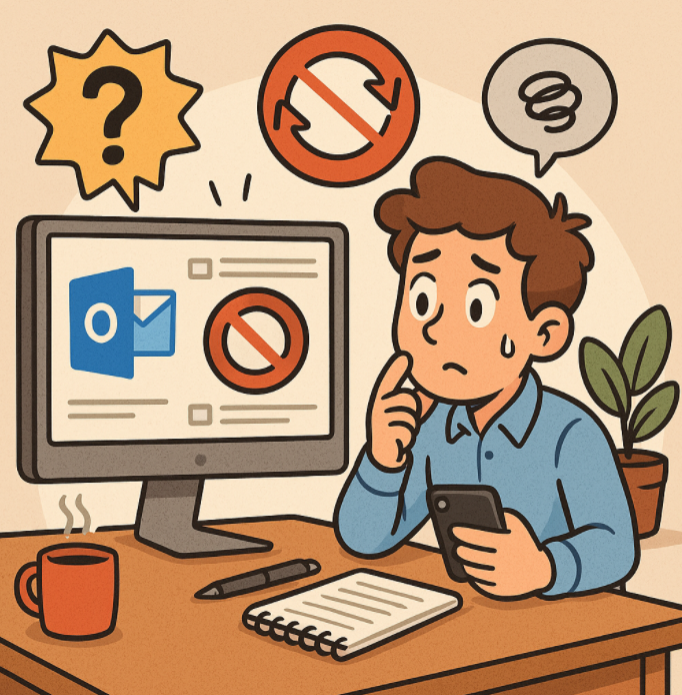
Microsoft Outlook is one of the most widely used email clients for both personal and professional communication. But sometimes, Outlook can stop syncing your emails, calendar, or contacts—leaving you frustrated and disconnected. If you’ve noticed… 

How to Fix Common Microsoft Teams Connection Problems

Microsoft Teams has become a cornerstone for remote work, online collaboration, and hybrid meetings. But like any software, Teams can run into connection issues that disrupt your workflow. If you’ve ever experienced laggy video, dropped…