Skip to content

Supercharge Your Debugging with Remote Tools for Microsoft Edge

Whether you’re debugging a web app on a smartphone, testing cross-browser compatibility, or fine-tuning performance on an IoT device, Remote Tools for Microsoft Edge is your go-to toolkit for remote inspection and debugging. In today’s… 
Recover Deleted Files with Windows File Recovery A Lifesaver from Microsoft

Have you ever accidentally deleted an important file and thought it was gone forever? Whether it’s a work document, a precious family photo, or a project you’ve been working on for weeks, the loss can… 

Unlocking the Power of Windows Event Viewer Usage, Benefits, and Troubleshooting Tips

When it comes to diagnosing issues and monitoring system health on a Windows machine, one of the most powerful and often underutilized tools is Windows Event Viewer. Whether you’re an IT professional, system administrator, or… 

Boost Your Productivity with Microsoft PowerToys The Ultimate Toolbox for Windows Power Users

If you’re a Windows user looking to supercharge your productivity, streamline workflows, or just make everyday tasks easier, Microsoft PowerToys is a must-have. This open-source set of utilities, built specifically for power users, brings a… 

Troubleshooting Windows 11 Issues A Practical Guide for IT Pros

Windows 11 has been steadily gaining adoption across enterprise environments, offering a fresh UI, enhanced security, and seamless integration with cloud services like Microsoft 365. But like any operating system, it comes with its quirks.… 

Optimize and Secure Your System with Microsoft PC Manager

In today’s fast-paced digital landscape, maintaining peak PC performance and ensuring system health is crucial—not just for consumers but for IT pros and business users as well. Microsoft has stepped in with a surprisingly lightweight… 

Windows 10 is decommissioning soon: What Are Your Options?

Microsoft has officially announced the end of support for Windows 10, set for October 14, 2025. While this may seem like a distant milestone, it’s crucial for individuals, IT pros, and organizations to start planning… 

Windows 11 built in Gadgets

Windows 11, unlike earlier versions like Windows 7 which had “desktop gadgets,” doesn’t use traditional gadgets. Instead, Microsoft revamped the experience into Widgets and integrated system tools. These are modern, web-powered, and securely sandboxed. Here… 

How to Troubleshoot Windows 11 Upgrade Issues A Practical Guide

Upgrading to a new operating system can be exciting—new features, better performance, and a modern UI. But when things go wrong during a Windows 11 upgrade, the experience can quickly become frustrating. Whether you’re a… 

What’s New in Windows 11May 2025 Update Overview

Since its initial release, Windows 11 has evolved steadily, blending visual polish with productivity and security enhancements. The latest updates as of May 2025 continue this trajectory, bringing new features and refinements that enhance the… 

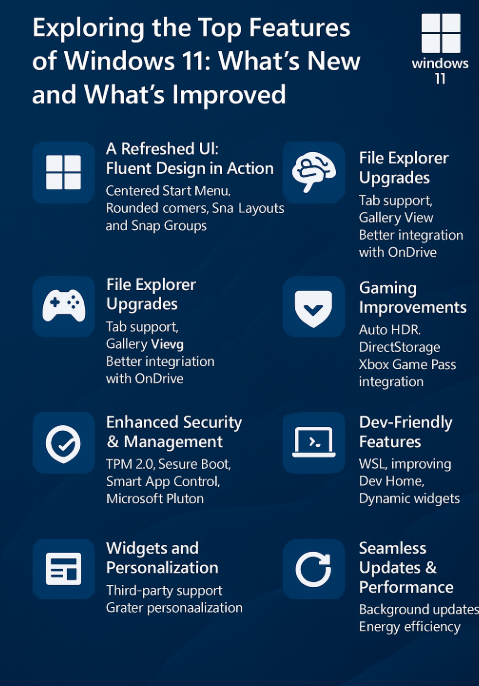
Exploring the Top Features of Windows 11 What’s New and What’s Improved

Microsoft’s Windows 11 has evolved significantly since its initial release, delivering a fresh user experience and powerful productivity enhancements. Whether you’re an IT pro, developer, or everyday user, Windows 11 brings a blend of elegance… 

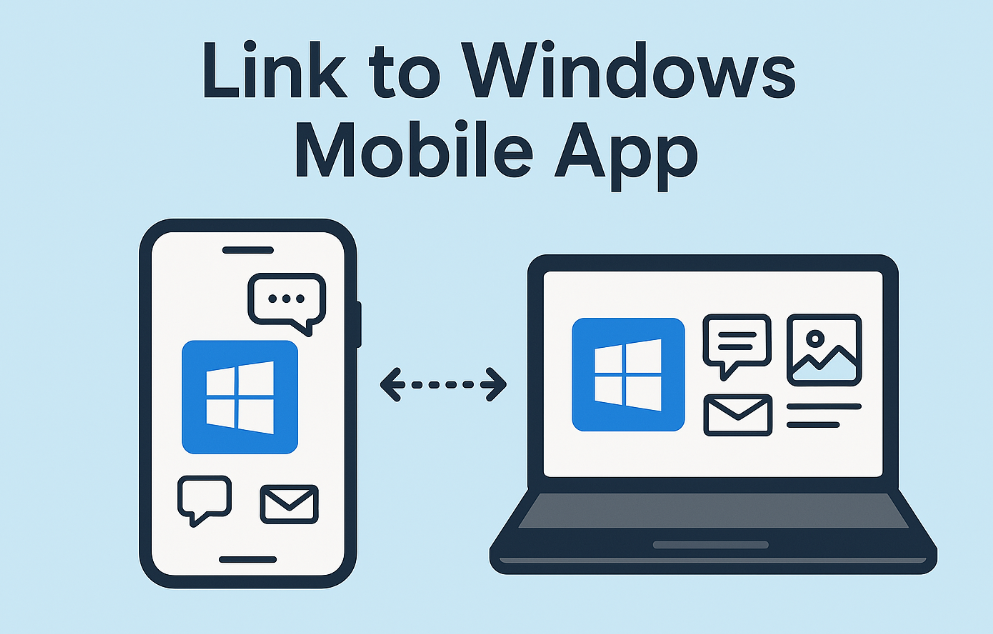
Enhance Productivity with the Link to Windows Mobile App

In today’s fast-paced digital landscape, staying connected across multiple devices is more crucial than ever. Microsoft’s Link to Windows app bridges the gap between your Android smartphone and Windows PC, enabling seamless synchronization and enhanced…