Skip to content

How to Transfer Files and Apps from Old PC to Windows 11

Upgrading to a new Windows 11 PC is exciting — faster performance, smoother design, and enhanced security features. But before you can fully enjoy your new setup, you’ll likely want to bring over your files,… 

Unlocking the Future of Productivity Unique Copilot+ PC Features in Windows 11

The next evolution of Windows 11 is here with Copilot+ PCs, bringing a new level of intelligence to your everyday computing. Powered by advanced AI capabilities and a Neural Processing Unit (NPU) capable of 40+… 

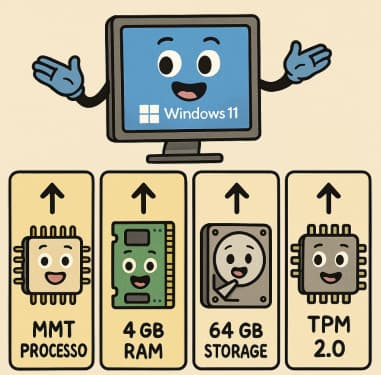
Windows 11 System Requirements Explained Simply

When Microsoft announced Windows 11, one of the biggest talking points wasn’t its sleek design or new features—it was the system requirements. Many users were left wondering: Will my PC run it? Let’s break down… 

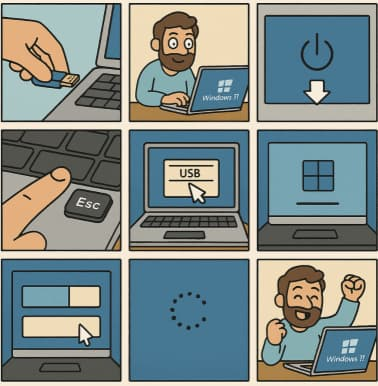
How to Clean Install Windows 11 — Step-by-Step (The Friendly, No-Nonsense Guide)

Want to wipe your PC and start fresh with Windows 11? Good call. Below is a complete, practical, up-to-date walkthrough that covers preparation, creating boot media, BIOS/UEFI settings, the actual clean install, and post-install tips.… 

Experimental Features via Canary Channels in Windows 11

Microsoft’s Windows Insider Program has long been the testing ground for upcoming Windows features. Among its multiple preview channels, the Canary Channel stands out as the earliest and most experimental branch — where cutting-edge innovations… 

Windows 11 Spotlight Discovering Beauty in Random Places

If you’ve ever logged into your Windows 11 PC and found yourself captivated by a stunning image—a foggy mountain valley, a quiet alley in Morocco, or a frozen lake bathed in sunrise—you’ve already met Windows… 

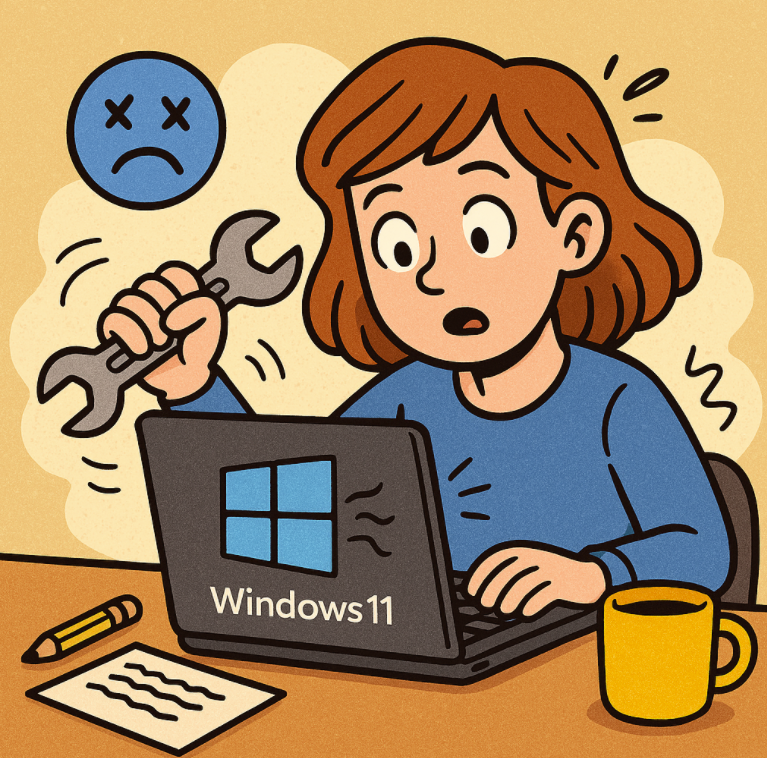
How to Fix Windows 11 Problems Without Calling IT

Windows 11 is sleek, fast, and packed with features—but even the best systems have their quirks. Whether it’s a laggy start menu, Wi-Fi drops, or stubborn updates, you don’t always need to call IT to… 

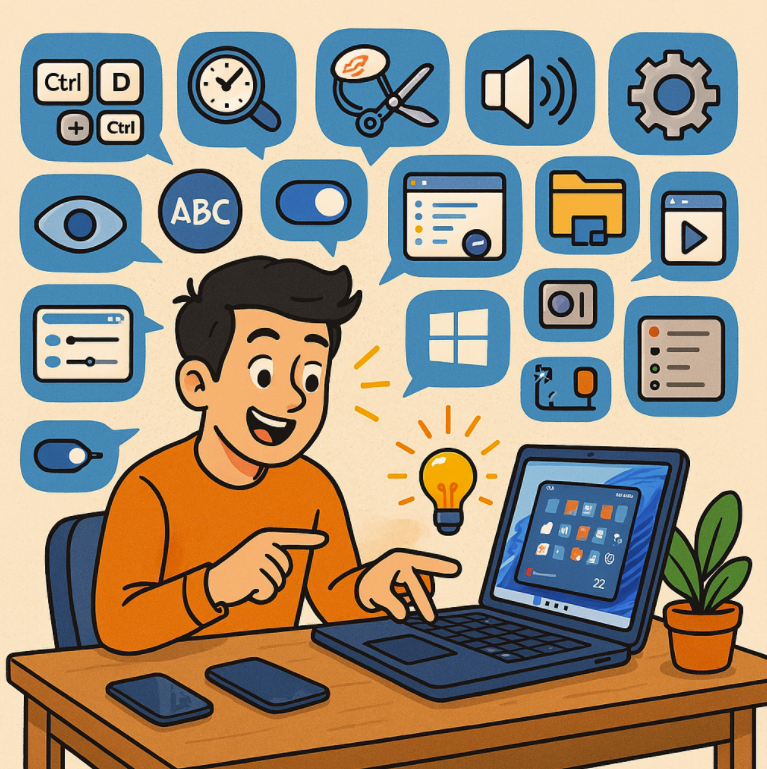
24 Hidden Windows 11 Features You’ll Wish You Found Sooner

Windows 11 is sleek, modern, and packed with features that go beyond what you see at first glance. While most people know about the centered taskbar and updated Start menu, there’s a treasure trove of… 

From Start Menu to Widgets Customizing Windows 11 Like a Pro

Windows 11 brought a sleek redesign and fresh features to Microsoft’s operating system, but what really makes it shine is how customizable it is. Whether you’re aiming for productivity, minimalism, or just a personal touch,… 

The New Age of PC Copilots Windows 11

In September 2023, Microsoft introduced Microsoft Copilot as an AI-powered assistant that spans across Windows, Microsoft 365, Bing, and Edge. The idea: your PC isn’t just a tool you use manually — it becomes more… 

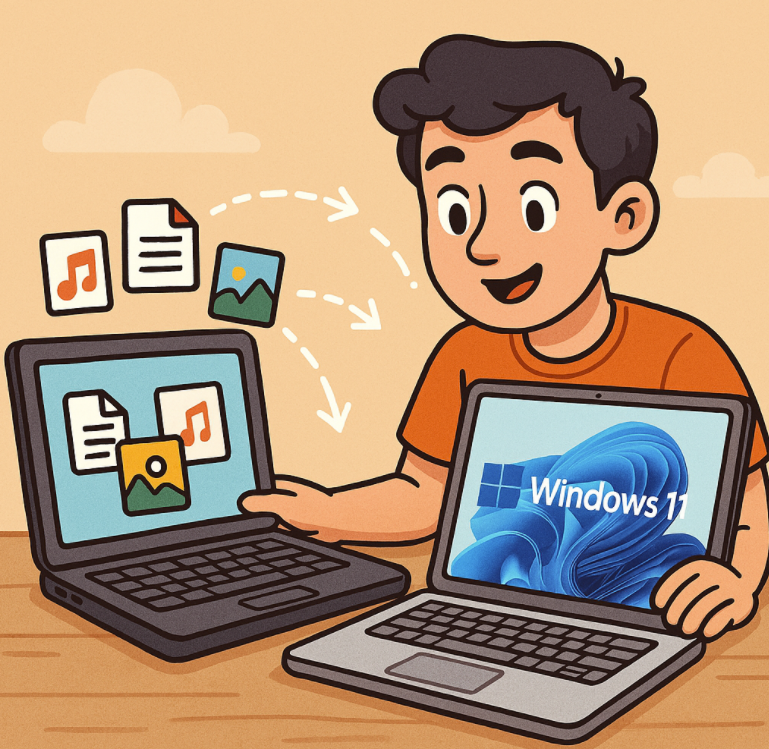
Upgrading Your Laptop? Here’s How to Transfer Everything to Windows 11 Easily

Upgrading to a shiny new laptop is exciting—but moving all your files, settings, and apps can feel overwhelming. The good news? With the right tools and steps, you can transfer everything from your old computer… 

Voice Typing in Windows 11 Dictate Like a Pro

Typing on a keyboard is second nature for many of us, but sometimes you just want to say your thoughts out loud and let your computer do the heavy lifting. That’s where Voice Typing in…