Skip to content

Windows 11 Privacy Settings You Should Change Right Now

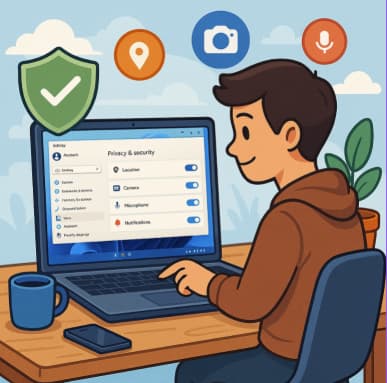
Windows 11 is sleek, fast, and full of features—but like most modern operating systems, it collects a lot of data about how you use your device. By default, Microsoft enables several settings that send diagnostic… 

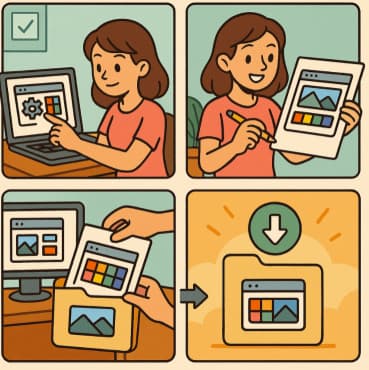
Creating Custom Themes & Wallpapers in Windows 11

Windows 11 brings a fresh, modern design with smooth animations, centered taskbar, and rounded corners. But one of its most exciting features is personalization. With just a few clicks, you can create your own custom… 

How to Enable and Personalize Dark Mode on any device

Dark Mode has become one of the most popular features across devices and apps. Beyond its sleek, modern look, it reduces eye strain in low-light environments and can even save battery life on OLED screens.… 

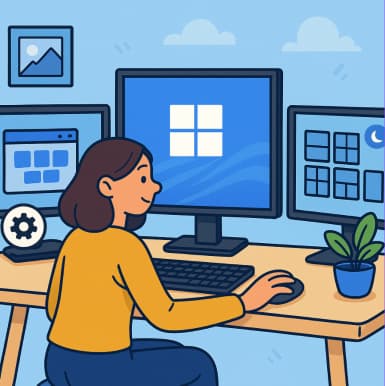
How to Personalize Your Windows 11 Desktop Like a Pro

Windows 11 isn’t just about sleek design and smooth performance—it’s also about making your computer truly yours. Whether you’re a productivity enthusiast, a gamer, or someone who loves a minimalist setup, personalizing your desktop can… 

The Complete Guide to Widgets in Windows 11

Windows 11 introduced a fresh, modern design with many usability improvements, and one of the standout features is Widgets. These customizable, glanceable panels provide quick access to news, weather, calendar events, and more—all in one… 

Top 10 Windows 11 Tips Every Beginner Should Know

Windows 11 brings a fresh design, powerful productivity features, and subtle changes that can feel overwhelming if you’re just getting started. Whether you recently upgraded from Windows 10 or bought a new device with Windows… 

Moving from Office 2016/2019 to Microsoft 365: What Changes?

Microsoft’s cloud-era strategy has made Microsoft 365 more than just “Office in the cloud” — it introduces a shift in licensing, update cadence, collaborative features, and more. Below are the key differences you’ll notice, the… 

How to Reconfigure the Hidden Context Menu and Unlock Power Tweaks in Windows

Windows has always tucked away powerful features behind menus and toggles that most people never discover. One of the handiest—but often overlooked—is the “Show hidden items” toggle in File Explorer. Pair that with customizing the… 

Unlocking Hidden Superpowers in Windows 11 Speech, Eye, and Voice Access Tools You Didn’t Know You Had

When people think of Windows 11, the first things that come to mind are its sleek design, better productivity features, or seamless integration with Microsoft services. But tucked away beneath the surface are powerful accessibility… 

Discovering Nomados.ai Destinations Your New Travel Co-Pilot

Modern nomad life comes with equal parts excitement and headache. Where should I go next? What are the visa requirements? Is the internet decent? Can I find a good coworking space? Nomados.ai is one of… 

Storage Sense and Disk Cleanup Tips in Windows 11

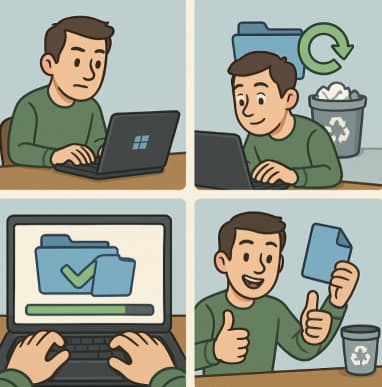
Running out of storage on your PC can slow things down, cause update errors, and make everyday tasks frustrating. Luckily, Windows 11 comes with powerful built-in tools—Storage Sense and Disk Cleanup—to help you reclaim space… 

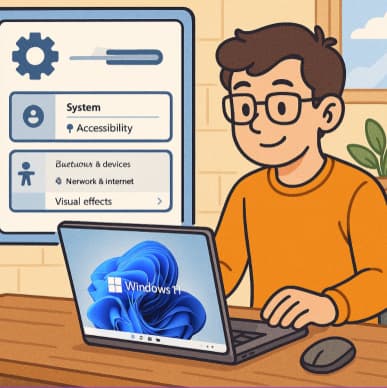
Customizing Shell UI Elements Beyond the Basics Task View & Experimental WinUI Styling

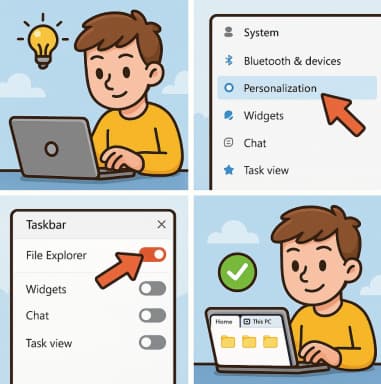
Windows has always offered ways to personalize the desktop experience—wallpapers, accent colors, and themes are the basics. But if you’re willing to dig a little deeper into the built-in Settings app and system menus, you…