Skip to content

Data Residency and Compliance in the Microsoft Cloud with Microsoft 365

In today’s globally connected world, organisations face growing pressure to ensure data is stored, managed, and protected in accordance with national borders and data-sovereignty laws. For users of Microsoft 365 and the wider Microsoft Cloud,… 

Shared Responsibility Model in Cloud Computing Simplified

Shared Responsibility Model in Microsoft Azure Simplified As organizations increasingly migrate workloads to the cloud, understanding who’s responsible for security becomes crucial. In Microsoft Azure, this clarity comes from the Shared Responsibility Model — a… 

Why Outlook Locks You Out After Deleting Thousands of Emails — And How to Fix It Fast

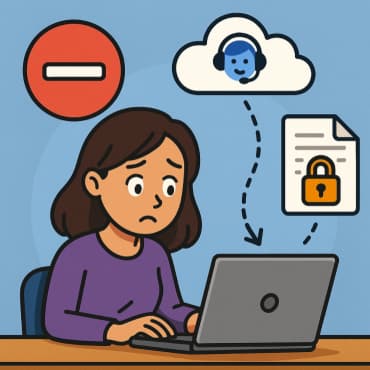
We’ve all been there — your Outlook or Hotmail inbox is overflowing with thousands of old messages, and you decide to clean house. You select all, hit delete, and feel relieved… until you try to… 

Cloud Benefits Simplified Scalability, High Availability, and Disaster Recovery

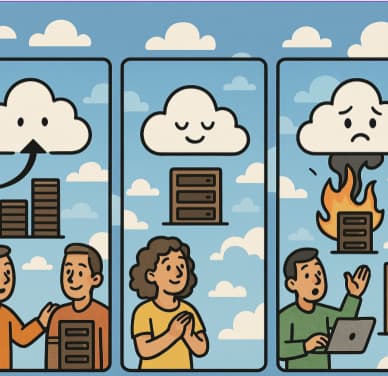
Cloud computing has transformed the way businesses manage their IT infrastructure. Whether you’re a startup or an enterprise, the cloud delivers agility, efficiency, and resilience that traditional on-premises setups can’t match. In this post, we’ll… 

Microsoft 365 vs Azure vs Dynamics 365 – What’s the Difference?

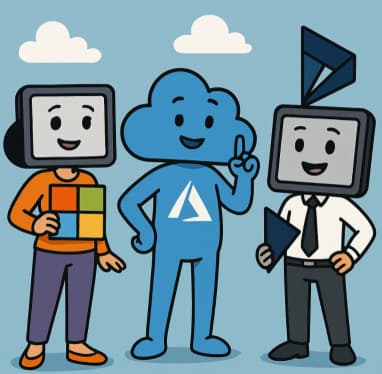
In today’s cloud-driven business environment, it’s common to hear about Microsoft’s cloud offerings—Microsoft 365, Azure, and Dynamics 365. While they’re all part of the Microsoft ecosystem, each serves different purposes. Understanding the differences can help… 

How to Move the Start Menu to the Left in Windows 11 (Like Windows 10 Style)

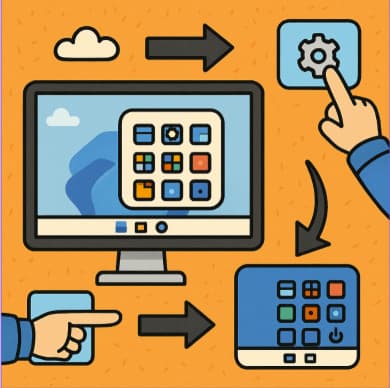
When Microsoft released Windows 11, one of the most noticeable changes was the centered Start Menu. While it looks sleek and modern, many users prefer the familiar left-aligned Start Menu from Windows 10.If you’re one… 

Bypassing the ‘No-Go’ Using OneDrive’s Copilot for Encrypted & External Document Analysis

In today’s fast-moving enterprise environment, being able to surface insights from documents quickly is a competitive advantage. Tools like Copilot in OneDrive (part of the Microsoft 365 Copilot ecosystem) are designed to make that possible.… 

How to Change Taskbar Position and Icons in Windows 11 (Step-by-Step Guide)

Windows 11 introduced a sleek, modern interface with centered taskbar icons — a big change from the traditional layout. While the new design is clean and user-friendly, many users prefer customizing the taskbar to fit… 

Unlocking Productivity A Deep Dive into Notepad and Copilot in Windows 11

In the ever-evolving world of desktop computing, even small apps like text editors are getting major upgrades. With its recent refreshes, Notepad in Windows 11 is no longer just a blank-page, “write-and-save” tool. Meanwhile, Copilot… 

How to Enable and Customize Dark Mode

Your complete guide to making the switch — and doing it right Why Dark Mode Matters Dark mode (also called “night mode” or “dark theme”) uses light text on dark backgrounds. It’s become increasingly popular… 

Complete Guide to Windows 11 Themes and Wallpapers

Windows 11 brings a sleek, modern aesthetic that makes personalization more enjoyable than ever. From vibrant themes to dynamic wallpapers, Microsoft has made it easy to make your PC reflect your personality and workflow. Whether… 

Architecture vs. Design Key Differences Explained

In the world of building—whether it’s a skyscraper, a software system, or a product—two terms often come up interchangeably: architecture and design. While they’re deeply connected, understanding their distinctions is essential to creating anything that’s…