Skip to content

Advanced File Explorer Tips for Faster Navigation in Windows 11

Whether you’re a power user managing huge project folders or just someone who wants to cut down wasted clicks, mastering File Explorer (on Windows) can save you serious time. Most people only scratch the surface… 
Registry Tweaks to Unlock Hidden Features in Windows 11

Windows 11 ships with a sleek design and several productivity-focused enhancements, but beneath the surface lie features and settings that Microsoft doesn’t always make obvious. Many of these can be unlocked or fine-tuned using the… 

Advanced Task Manager Tips for Power Users in Windows 11

Task Manager in Windows 11 has evolved far beyond its early days as a simple process killer. With a redesigned interface, better performance insights, and more powerful controls, it has become a must-use tool for… 

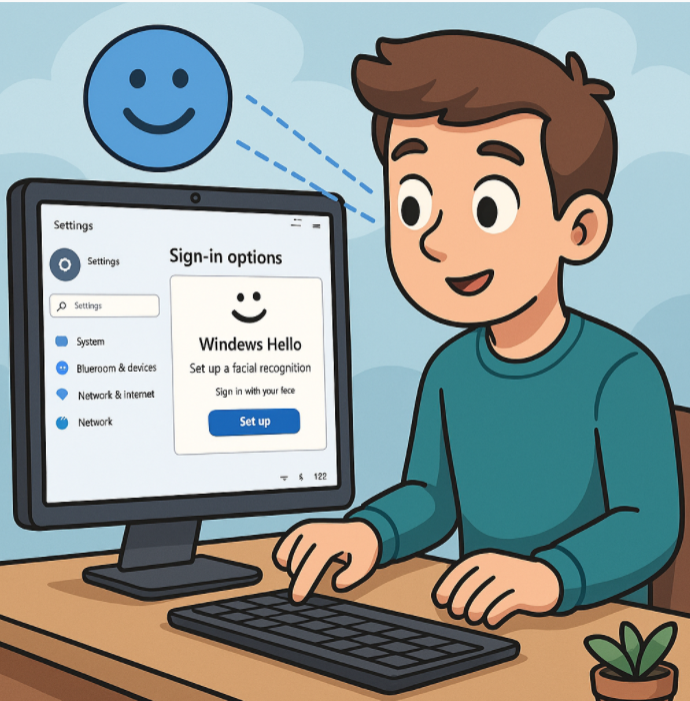
Setting Up Windows Hello for Faster Logins in Windows 11

Logging into your computer should be quick, secure, and seamless. With Windows Hello in Windows 11, you can say goodbye to typing passwords every time you sign in. Instead, you can use biometric authentication like… 

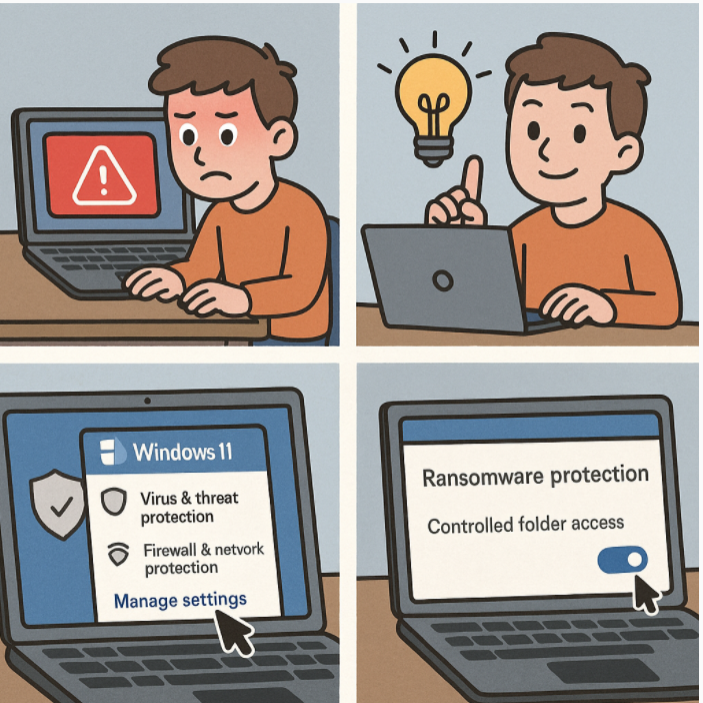
How to Enable Ransomware Protection in Windows 11

Ransomware attacks are one of the biggest cybersecurity threats today. These malicious programs lock or encrypt your files and demand a ransom for restoring access. Thankfully, Windows 11 comes with built-in ransomware protection through Microsoft… 

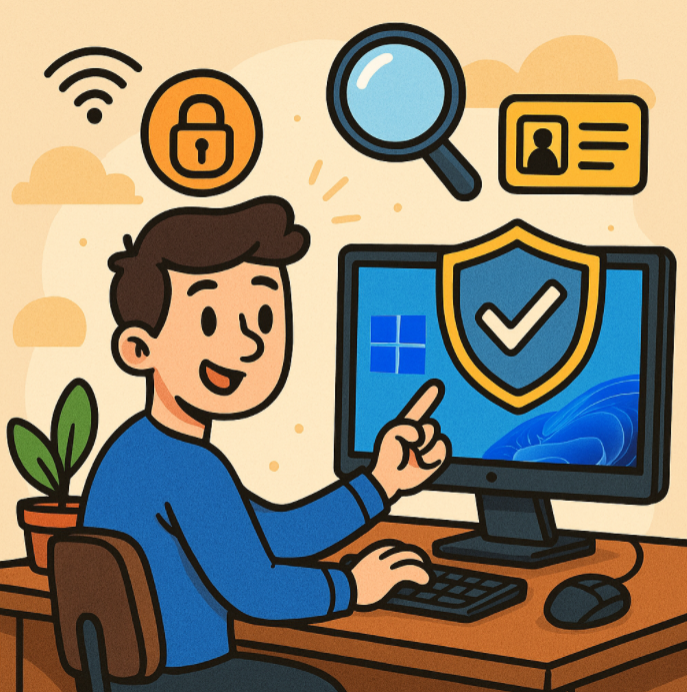
Improving Security on Your Windows 11 PC

Windows 11 introduces a sleek design, productivity features, and tighter security compared to its predecessors. But no operating system is immune to threats. Whether you use your PC for work, gaming, or personal browsing, it’s… 

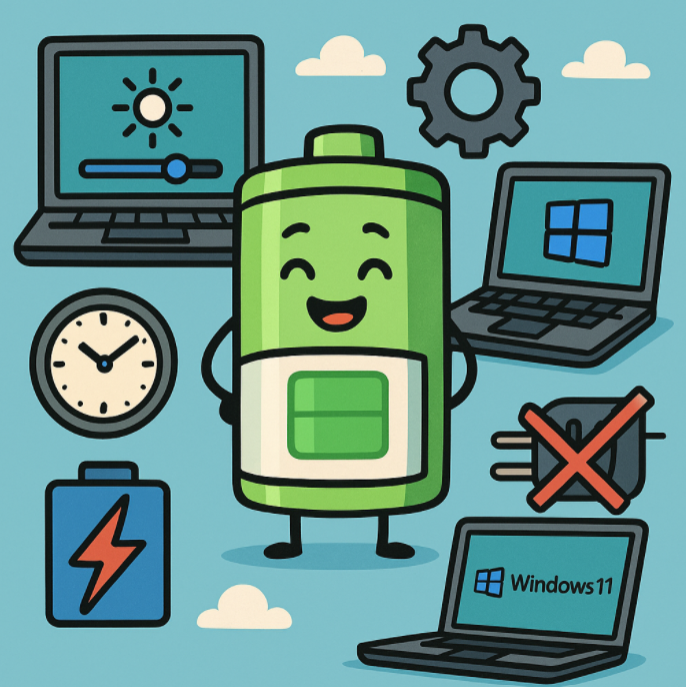
How to Optimize Battery Life on Windows 11 Laptops

Battery life is one of the most important factors for laptop users—whether you’re working on the go, attending online classes, or binge-watching your favorite shows. Windows 11 comes with several built-in features and settings that… 

How to Boost Performance with Built-In Tools in Windows 11

Windows 11 comes packed with built-in features designed to keep your PC running smoothly without needing third-party software. Whether your system feels slow, apps take too long to load, or you just want to optimize… 

What to Do When Outlook Stops Syncing

Microsoft Outlook is one of the most widely used email clients for both personal and professional communication. But sometimes, Outlook can stop syncing your emails, calendar, or contacts—leaving you frustrated and disconnected. If you’ve noticed… 

How to Fix Common Microsoft Teams Connection Problems

Microsoft Teams has become a cornerstone for remote work, online collaboration, and hybrid meetings. But like any software, Teams can run into connection issues that disrupt your workflow. If you’ve ever experienced laggy video, dropped… 

How to Set Up Multi-Factor Authentication (MFA) in Microsoft 365

Cybersecurity threats are constantly evolving, and password-only protection is no longer enough. That’s where Multi-Factor Authentication (MFA) comes in. MFA adds an extra layer of security to your Microsoft 365 account by requiring users to… 

Troubleshooting Common Windows 11 Issues

Windows 11 introduced a sleek new design, improved multitasking features, and tighter integration with Microsoft services. However, like any operating system, it isn’t without its quirks. Whether you’re a casual user or a power user,…