Skip to content

Using Microsoft Copilot in Word to Write Faster and Smarter

In today’s fast-paced digital world, writing isn’t just about putting words on a page—it’s about doing it faster, smarter, and with more impact. Whether you’re drafting a report, creating content for your business, or just… 

How Microsoft 365 Copilot Is Changing Project Management in Teams

In today’s fast-paced business environment, effective project management means cutting through noise to focus on what matters. Enter Microsoft 365 Copilot, the AI-powered assistant transforming how teams plan, execute, and collaborate within Microsoft Teams. Real-Time Meeting… 

How to Collaborate Better with Copilot in Microsoft Teams

Microsoft Copilot is changing the way we work—especially within Microsoft Teams. It’s not just a chatbot or an AI assistant; it’s a productivity partner that helps you streamline communication, automate routine tasks, and make meetings… 

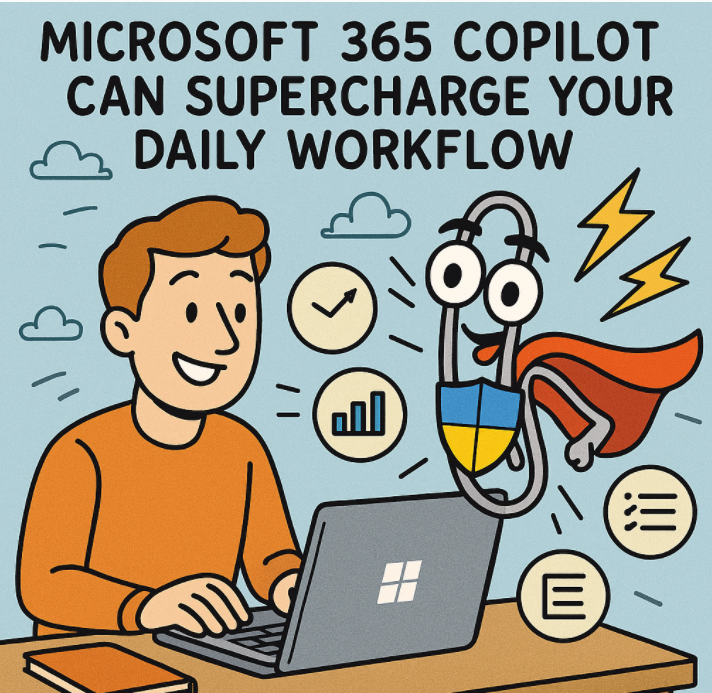
10 Ways Microsoft 365 Copilot Can Supercharge Your Daily Workflow

Artificial Intelligence has stepped out of the realm of buzzwords and into the daily rhythm of modern work. At the forefront of this shift is Microsoft 365 Copilot, an AI-powered assistant embedded into the tools… 

Best Prompts to Use with Microsoft 365 Copilot for Maximum Efficiency

Microsoft 365 Copilot is changing how we work—embedding powerful AI directly into apps like Word, Excel, Outlook, PowerPoint, and Teams. But like any AI tool, the quality of what you get out of it depends… 

How to Activate and Use the Scrum Assistant Agent in GitHub Copilot

Agile teams are always looking for ways to streamline their daily rituals, and with GitHub Copilot’s Scrum Assistant agent, you can now bring AI directly into your standups, retros, and sprint planning. This built-in agent… 

Supercharging IT Management Microsoft 365 Admin Agent in Copilot

In the evolving landscape of modern IT administration, automation, intelligence, and efficiency are no longer just buzzwords—they are requirements. Enter Microsoft 365 Admin Agent in Copilot, a groundbreaking tool that leverages the power of generative… 

Sync Smarter Make OneNote Available Across All Your Devices

Microsoft OneNote is one of the most powerful digital note-taking tools, offering a flexible canvas for jotting down ideas, capturing meeting notes, organizing research, or managing personal tasks. But to truly unlock its full potential,… 

Unlocking Productivity with Microsoft 365 Copilot Notebooks

In the fast-evolving world of AI, Microsoft 365 Copilot Notebooks is a game-changer for business users, knowledge workers, analysts, and anyone who deals with data and documents daily. This new feature, powered by Copilot and… 

Boost Team Productivity & Communication: How to Use Prompt Coach in Microsoft Teams with Detailed Steps!

In the fast-paced world of modern workplaces, effective communication is key to driving collaboration and productivity. Microsoft Teams, already a powerhouse for teamwork, has introduced an exciting new feature: Prompt Coach. Prompt Coach is your… 

Building on the Future Machine Learning and Copilot The Next Frontier in Application Development

The age of intelligent software is here, and it’s transforming the way we build, interact with, and even think about applications. With the integration of Machine Learning (ML) and AI-powered copilots, developers and architects alike… 

Multi-Agent Orchestration in Copilot Redefining Intelligent Workflows

As AI continues to evolve, Microsoft’s Copilot ecosystem is rapidly transforming how individuals and organizations interact with software. One of the most groundbreaking advancements in this space is multi-agent orchestration — a shift from single-task…