Skip to content

Transforming Remote Healthcare Collaboration with Microsoft 365

In today’s rapidly evolving healthcare environment, collaboration and secure communication are more critical than ever. Remote healthcare, telemedicine, and distributed care teams require tools that enable seamless interaction without compromising on compliance or patient privacy.… 

Staying Connected on the Road How Travelers Can Make the Most of Microsoft Teams

Traveling is exciting—new places, new cultures, and new adventures. But if you’re someone who works remotely, studies while traveling, or just needs to stay connected with your team, staying productive on the road can be… 

Beginner’s Guide to Microsoft Teams: Chat, Meetings, and Channels

If you’re new to Microsoft Teams, the platform might feel a little overwhelming at first. It’s packed with tools for messaging, video calls, collaboration, and file sharing—all in one place. But once you get the… 

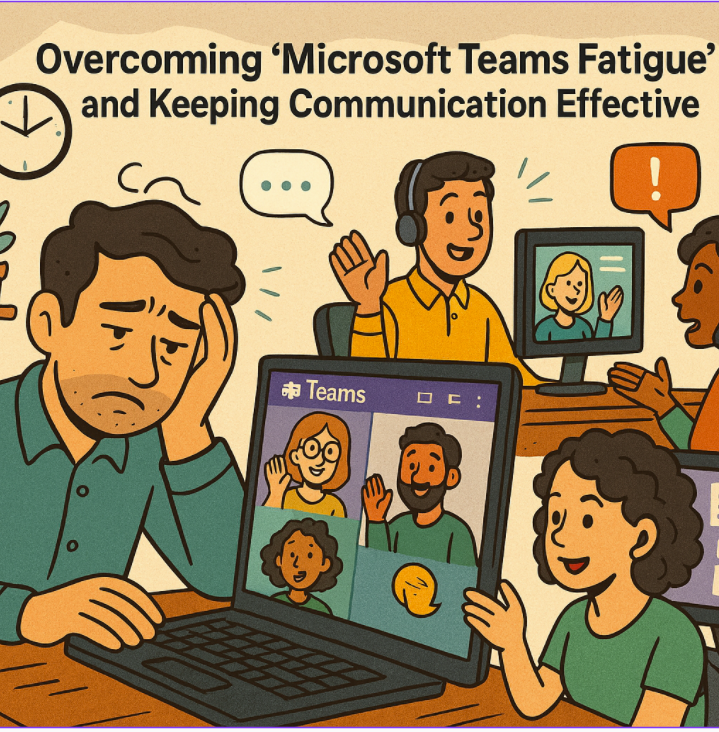
Overcoming “Microsoft Teams Fatigue” and Keeping Communication Effective

The rise of hybrid and remote work has made Microsoft Teams an essential tool for collaboration. But with constant pings, endless meetings, and a stream of notifications, many employees are experiencing what’s often called “Teams… 

Creating Custom Microsoft Teams Apps and Tabs

Microsoft Teams has become the central hub for collaboration in many organizations, and one of its biggest strengths is extensibility. Beyond chats, meetings, and file sharing, you can enhance your team’s productivity by creating custom… 

How to Fix Common Microsoft Teams Connection Problems

Microsoft Teams has become a cornerstone for remote work, online collaboration, and hybrid meetings. But like any software, Teams can run into connection issues that disrupt your workflow. If you’ve ever experienced laggy video, dropped… 

Telling Your Story with Microsoft Teams Storyline

Microsoft Teams has long been at the heart of collaboration for organizations worldwide. With chats, channels, meetings, and calls, it keeps everyone connected and aligned. But as Teams has grown, so has the need for… 

Unlocking the Power of Microsoft Teams Premium Why It’s Worth the Investment

In today’s hybrid workplace, collaboration is the backbone of productivity. Microsoft Teams has become the go-to hub for teamwork for organizations of all sizes. But if you think you’ve seen everything Teams has to offer… 

Bi-Directional Sync Between Google Workspace and Microsoft Teams A Game-Changer for Business Collaboration

Businesses using Google Workspace for email and calendaring can now take advantage of a new feature that enables seamless bi-directional synchronization with Microsoft Teams. This enhancement, accessible through the Admin app in Teams, ensures that… 

Microsoft Teams Rooms Complete Guide

As the nature of work evolves, so does the need for effective, flexible, and collaborative spaces. Microsoft Teams Rooms (MTR) has emerged as a cutting-edge solution, transforming meeting rooms into seamless collaboration hubs that connect… 

WhiteBoard and New Preview Templates

Do you like to have virtual meeting with colleagues and write on virtual board and share your ideas, the trend from Microsoft and Office 365 allows you to do that with several tools and integrations… 

Add Yammer tab in Teams

It is now available that you can integrate Yammer with teams by adding a Tab for Yammer in teams for a group or topic To do so: From teams on a channel press on plus…