Skip to content

Best Windows 11 Widgets (and How to Add Them)

Windows 11 brought a fresh design and new features that make your desktop more interactive and productive. Among these, widgets stand out as a convenient way to get quick access to important information at a… 

Windows 11 Clipboard History & Cloud Sync Copy-Paste Superpowers

Copy-paste might feel like one of the most basic things we do on a computer, but in Windows 11, it has evolved into something much smarter. Microsoft has supercharged the clipboard with features like Clipboard… 

Service Mesh Architecture Pattern in Azure Handling Service-to-Service Communication, Security, and Observability

As organizations modernize applications using microservices and cloud-native architectures, managing how these services communicate becomes increasingly complex. Microservices often run across distributed environments, scaling dynamically, and interacting over the network. This is where the Service… 

Using GitHub Copilt To Teach Programming

Artificial Intelligence is transforming the way we learn, work, and create. One of the most intriguing applications in computer science education is GitHub Copilot, the AI-powered coding assistant. While originally designed to boost developer productivity,… 

Mastering GitHub Copilot: Tips, Shortcuts, and Prompts That Work

GitHub Copilot has quickly become one of the most powerful coding assistants available to developers. Powered by AI, it can autocomplete lines of code, generate functions, write tests, and even help with documentation. But to… 

Retrieval-Augmented Generation (RAG) in Azure AI A Step-by-Step Guide

What Is RAG & Why It Matters Retrieval-Augmented Generation (RAG) combines the power of information retrieval with generative AI. Instead of relying only on what the model learned during training, RAG fetches relevant data from… 

Mastering Clipchamp – From Beginner to Pro 1

“Lights, Camera, Clipchamp! – Getting Started with the Basics” If you’ve ever wanted to edit videos but felt overwhelmed by complicated software, you’re going to love Clipchamp. It’s Microsoft’s free, browser-based video editor designed for… 

Branding Your SharePoint Site for Your Organization

Your SharePoint site isn’t just a place to store documents or collaborate—it’s often the digital front door of your organization. When done right, branding helps reinforce your company’s identity, build trust, and create a seamless… 

Writing Effective Prompts for Microsoft 365 Copilot

Microsoft 365 Copilot is transforming the way we work by bringing the power of AI directly into the apps we use every day — Word, Excel, PowerPoint, Outlook, and Teams. But like any AI-powered tool,… 

Understanding Microsoft 365 Compliance Center Basics

In today’s digital-first world, ensuring compliance with regulatory requirements, data privacy laws, and internal security policies is more critical than ever. Microsoft 365 provides a centralized platform called the Microsoft 365 Compliance Center to help… 

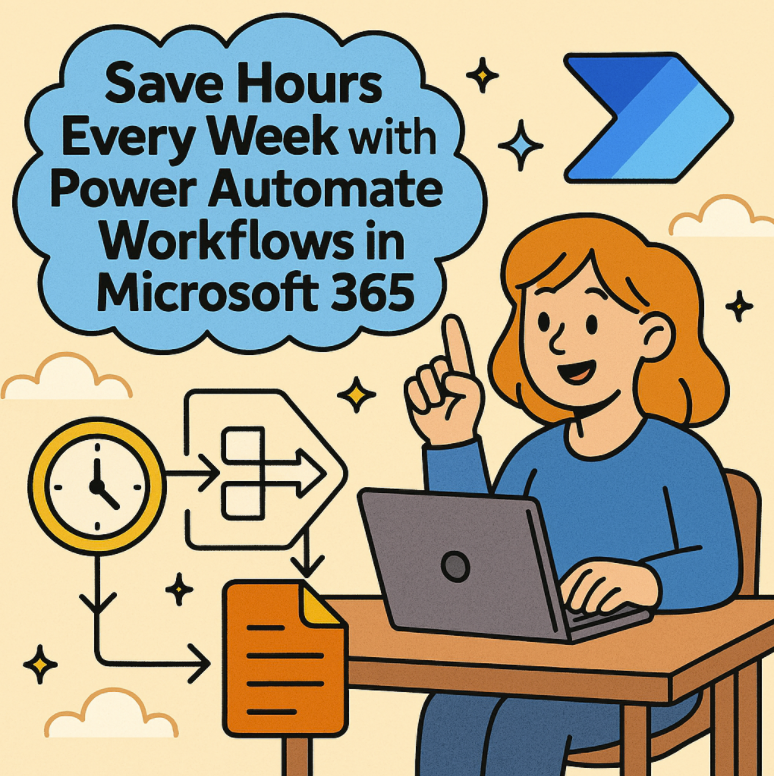
Save Hours Every Week with Power Automate Workflows in Microsoft 365

In today’s fast-paced work environment, time is the ultimate currency. Microsoft 365 offers a powerful tool to help reclaim your workday: Power Automate. With the ability to automate repetitive tasks and streamline workflows, Power Automate… 

How to Use Focus Sessions in Windows 11 to Stay Productive

In today’s fast-paced digital world, staying focused can feel like a constant battle. Between endless notifications, emails, and social media pings, deep work often takes a back seat. Microsoft recognized this challenge and introduced Focus…