Skip to content

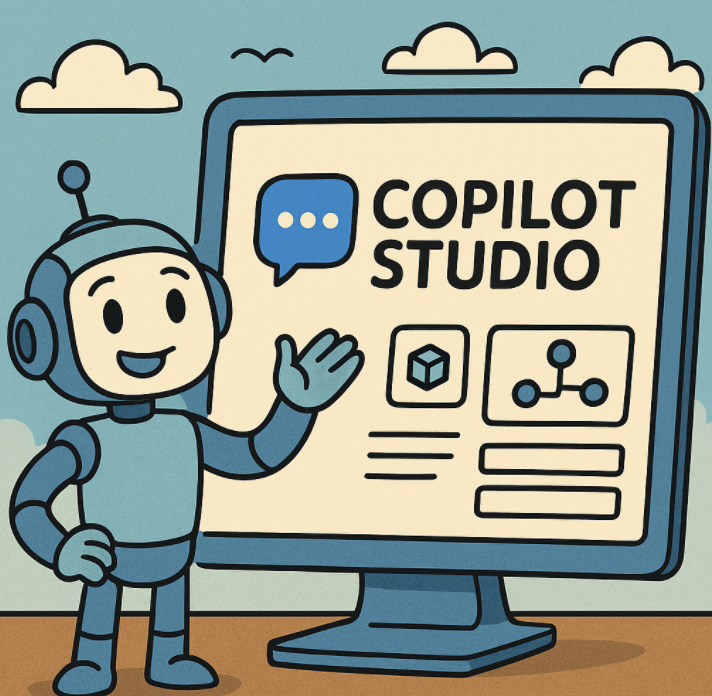
Creating Custom Plugins and Connectors in Copilot Studio

As businesses continue to adopt AI-driven solutions, Copilot Studio has emerged as a powerful platform for building and extending copilots. One of its key strengths lies in its flexibility—allowing developers and organizations to create custom… 

How Enterprises Are Leveraging Microsoft Copilot to Drive Innovation

In today’s rapidly evolving digital landscape, enterprises are under immense pressure to innovate, enhance productivity, and deliver customer-centric solutions faster than ever. Microsoft Copilot, an AI-powered assistant integrated across Microsoft 365, GitHub, Dynamics 365, and… 

How to Speed Up Boot Time in Windows 11

Waiting for your PC to boot can be frustrating, especially when you’re in a rush. Windows 11 is generally faster than its predecessors, but unnecessary startup apps, outdated drivers, or misconfigured settings can slow things… 

How to Co-Author Documents in Real Time in Microsoft 365

Collaboration has become the foundation of modern work. As organizations shift toward distributed teams, hybrid environments, and faster decision-making cycles, the ability to work together on documents in real time is no longer a luxury—it’s… 

Detect Human Faces and Compare Similar Ones with Face API in Azure

Facial recognition is becoming an integral part of modern applications—from authentication systems and security cameras to customer experience personalization. Microsoft Azure’s Face API provides powerful cloud-based capabilities to detect human faces, extract facial features, and… 

Mastering Snap Layouts and Snap Groups in Windows 11

Windows 11 has introduced several productivity-focused features, and Snap Layouts and Snap Groups are among the most useful. They make multitasking seamless by allowing you to quickly arrange windows on your screen and return to…