Skip to content

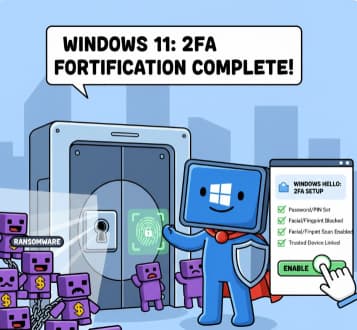
How to Enable Two-Factor Authentication (2FA) in Windows 11

Cybersecurity has become more important than ever. With so much of our work, personal communication, banking, and private information stored on our computers, simply having a password is no longer enough. Passwords can be guessed,… 
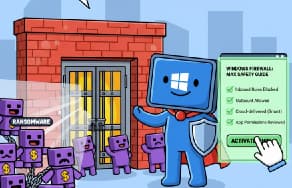
Configuring Windows Firewall for Maximum Safety

Windows computers are used everywhere—at home, in schools, and in businesses. Because they are connected to the internet, they face many security risks such as malware, hackers, and network attacks. One of the most important… 

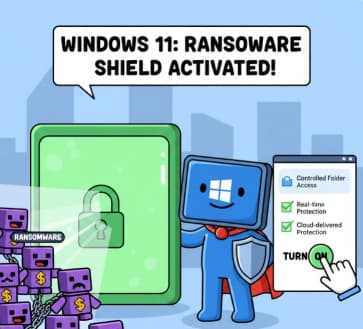
Setting Up Ransomware Protection in Windows 11 – A Simple and Complete Guide

Ransomware is one of the most dangerous types of malware people face today. It locks your files and demands payment to release them. Many users think ransomware only affects businesses, but home computers are just… 

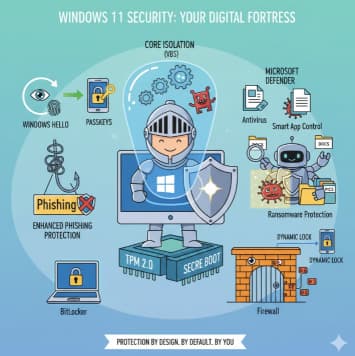
Understanding Windows 11 Security Features: A Shield for Your Digital Life

In today’s interconnected world, the security of your computer isn’t just a technical detail—it’s the digital foundation of your work, your memories, and your identity. With cyberattacks becoming more sophisticated, relying on old, basic security… 

Unlock Your Productivity Superpower: A Beginner’s Guide to Clipboard History and Cloud Clipboard

Imagine this: You’re writing a report, and you need to paste three different pieces of information—a link, a product name, and a specific stat—into three different places. How do you do it? Traditionally, it’s a… 

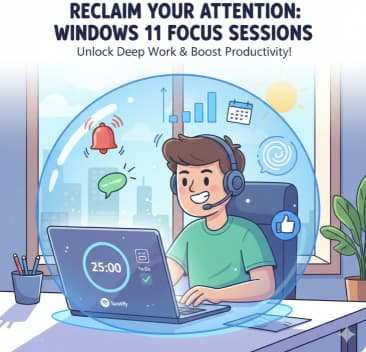
Reclaim Your Attention How Windows 11 Focus Sessions Help You Stay Productive

In our hyper-connected world, distractions are the enemy of getting things done. A sudden email notification, a flashing chat icon, or the endless scroll of social media—it all adds up, chipping away at your concentration… 

How to Manage Multiple Monitors on Windows 11 A Complete and Human-Friendly Guide

Setting up multiple monitors used to feel like something only tech enthusiasts or graphic designers needed. But today, whether you’re working from home, gaming, or juggling several projects at once, having more than one screen… 

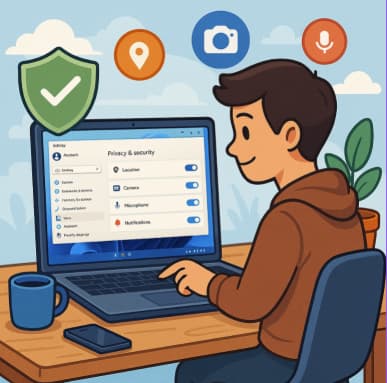
Managing App Permissions for Better Privacy in Windows 11 A Complete Guide

In today’s digitally connected world, privacy has become one of the most valuable assets we can protect. Whether you’re browsing online, installing new software, or simply checking your email, every action produces data. This data… 

Free Up Disk Space with Storage Sense & Disk Cleanup in Windows 11 A Complete Guide

Running out of disk space can drastically slow down your Windows 11 PC, causing programs to freeze, updates to fail, and overall performance to drop. Fortunately, Windows 11 includes two built-in tools designed to help… 

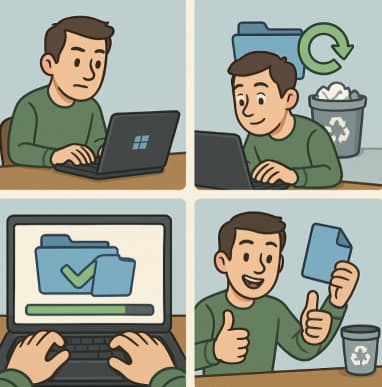
Recovering Deleted Files Using Windows File Recovery A Complete Guide

Accidentally deleting an important file can feel like a punch to the gut. Whether it’s a work document you spent hours perfecting, a set of vacation photos, or a crucial spreadsheet, losing data can create… 

How to Use File History for Backup in Windows 11

Backing up your files isn’t just something IT professionals need to worry about anymore—it’s a crucial part of everyday digital life. From work documents to family photos, losing important files can be devastating. Luckily, Windows… 

How to Map Network Drives in Windows 11: A Complete Step-by-Step Guide

If you work in an office environment, collaborate with a team, or simply want a convenient way to access files stored on another computer or NAS device in your home, mapping a network drive is…