Skip to content

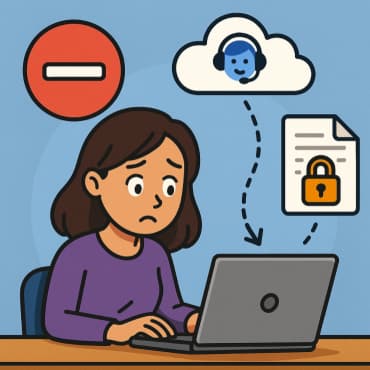
How to Set Up Basic Security Policies in a Microsoft 365 Trial Tenant

If you’ve just created a Microsoft 365 trial tenant, one of the first things you should do—before adding users, syncing identities, or deploying apps—is lock down your environment with some essential security policies. Even in… How to Set Up Basic Security Policies in a Microsoft 365 Trial Tenant

Privacy and Compliance Standards (ISO, GDPR, HIPAA) in Microsoft 365

As organizations move toward cloud-based productivity solutions, ensuring data privacy and regulatory compliance has become a top priority. Microsoft 365 stands out not only because of its powerful collaboration tools but also because of its… Privacy and Compliance Standards (ISO, GDPR, HIPAA) in Microsoft 365

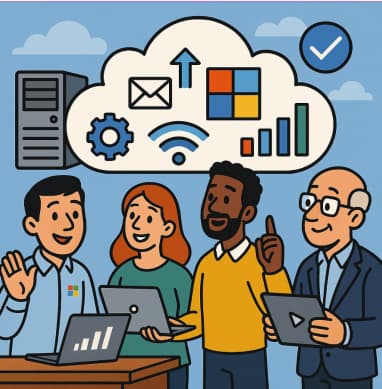
Microsoft FastTrack – Helping Businesses Adopt the Cloud

In today’s digital-first world, most organizations understand that moving to the cloud is no longer optional—it’s essential. From improving operational efficiency to enhancing security and enabling remote collaboration, cloud technology is at the heart of… Microsoft FastTrack – Helping Businesses Adopt the Cloud

How to Use Copilot to Draft Messages and Announcements in Microsoft Teams

In the fast-paced world of business communication, clarity and speed matter. Teams collaborate across geographies, time zones, and tools—and one of the most common tasks is sending the right message or crafting an announcement that… How to Use Copilot to Draft Messages and Announcements in Microsoft Teams

How to Ask AI Meeting Assistants the Right Questions During Meetings

In today’s fast-paced hybrid work world, tools like Microsoft 365 Copilot (often simply “Copilot”) that sit inside your meeting platform are dramatically changing how we interact in meetings. But having access to a powerful AI… How to Ask AI Meeting Assistants the Right Questions During Meetings

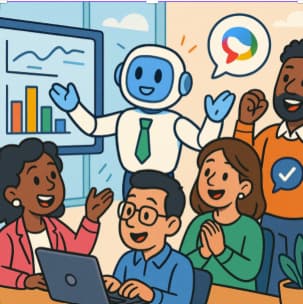
Copilot and Viva Empowering Employee Engagement

In today’s rapidly evolving workplace—defined by hybrid teams, digital collaboration, and shifting employee expectations—organizations must rethink how they engage, empower, and retain talent. That’s where the combined power of Microsoft 365 Copilot and Microsoft Viva… Copilot and Viva Empowering Employee Engagement

Fixing OneDrive Asking for Login on Every Windows Startup

Have you ever found yourself repeatedly logging into OneDrive every time your Windows PC starts, even though you just signed in the last session? You’re not alone. This is a common problem for both personal… Fixing OneDrive Asking for Login on Every Windows Startup

How to Enable Unified Audit Logging (UAL) in Microsoft 365

Unified Audit Logging (UAL) in Microsoft 365 is a powerful feature that helps organizations track and retain user and admin activity across services like Exchange Online, SharePoint Online, OneDrive, Teams, and more. Whether you’re investigating… How to Enable Unified Audit Logging (UAL) in Microsoft 365

SharePoint vs Loop vs Other Microsoft 365 Productivity Tools When to Use Each

Microsoft 365 offers a wide range of productivity tools, each designed to meet different collaboration and business needs. Among them, SharePoint, Microsoft Loop, and various other Microsoft 365 apps like OneNote, Teams, and Planner play… SharePoint vs Loop vs Other Microsoft 365 Productivity Tools When to Use Each

How to Create User Accounts in Microsoft 365

Microsoft 365 provides a streamlined way to create and manage user accounts, ensuring secure and efficient access to business applications like Outlook, Teams, and SharePoint. Whether you are an IT administrator setting up a new… How to Create User Accounts in Microsoft 365