Skip to content

Unlocking Productivity Copilot Success Kit for Small and Medium Businesses

Microsoft Copilot is transforming the way businesses operate by integrating AI-powered assistance across Microsoft 365 apps and services. For small and medium businesses (SMBs), adopting Copilot effectively can significantly enhance productivity, streamline workflows, and improve… Unlocking Productivity Copilot Success Kit for Small and Medium Businesses

Creating Videos Using Clipchamp and AI

Video has become one of the most powerful and effective mediums for communication in today’s digital world. From brand storytelling and marketing campaigns to internal training and educational content, video enables creators to connect with… Creating Videos Using Clipchamp and AI

How to Resolve Common Microsoft Outlook Issues

Microsoft Outlook is one of the most widely used email and productivity applications, trusted by individuals and businesses worldwide for managing emails, calendars, contacts, and tasks. Despite its powerful features and reliability, Outlook users may… How to Resolve Common Microsoft Outlook Issues

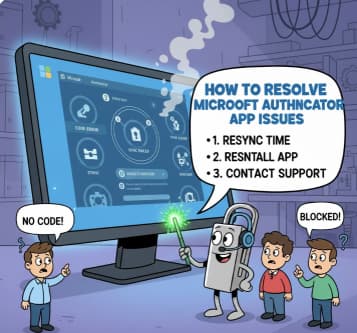
How to Resolve Microsoft Authenticator App Issues

The Microsoft Authenticator app plays a vital role in keeping online accounts secure. By adding an extra layer of protection through multi-factor authentication (MFA), it helps prevent unauthorized access—even if someone else knows your password.… How to Resolve Microsoft Authenticator App Issues

How to Enhance Prompts in Copilot A Guide for Project Managers

AI-powered tools like GitHub Copilot are transforming software development by assisting developers with code generation, debugging, and documentation. While Copilot is primarily used by engineers, project managers (PMs) can also leverage it to streamline project… How to Enhance Prompts in Copilot A Guide for Project Managers

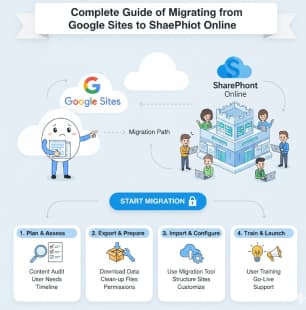
A Complete Guide to Migrating from Google Sites to SharePoint Online

As organizations continue to adopt Microsoft 365 for collaboration and content management, many teams find themselves needing to migrate from Google Sites to SharePoint Online. While Google Sites is simple and easy to use, SharePoint… A Complete Guide to Migrating from Google Sites to SharePoint Online

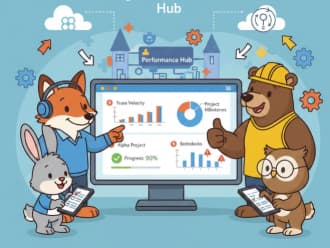
Leveraging SharePoint for Performance Tracking Monitoring Team and Project Progress

In today’s fast-paced business environment, tracking performance accurately is critical for project success, team accountability, and informed decision-making. Organizations need more than spreadsheets and email updates to monitor progress effectively. This is where Microsoft SharePoint… Leveraging SharePoint for Performance Tracking Monitoring Team and Project Progress

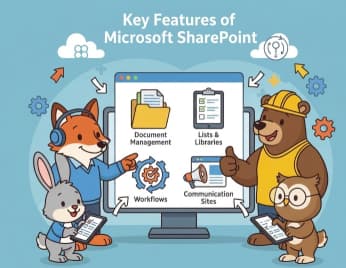
Microsoft SharePoint: A Complete Guide to Features, Benefits, and Business Use Cases

In today’s fast-paced digital workplace, organizations need tools that go beyond simple file storage. They require platforms that encourage collaboration, streamline processes, protect sensitive data, and adapt to changing business needs. Microsoft SharePoint has emerged… Microsoft SharePoint: A Complete Guide to Features, Benefits, and Business Use Cases

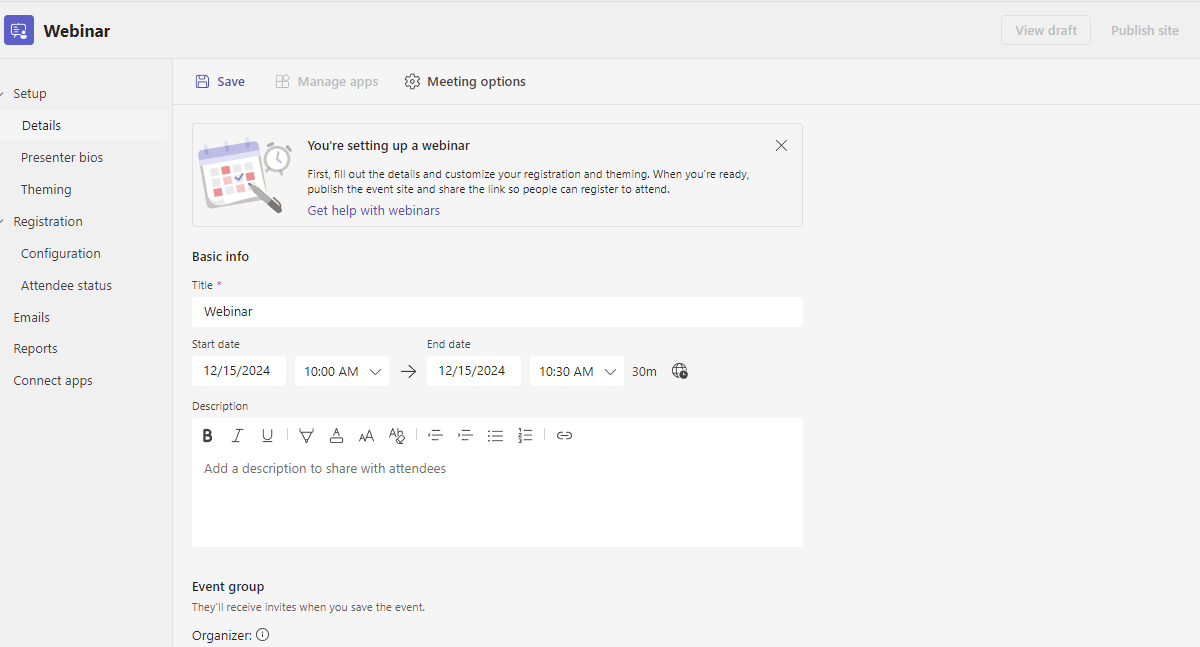
A Comprehensive Guide to Microsoft Teams Webinars Features and Setup

As organizations increasingly rely on virtual events to connect with customers, employees, and partners, Microsoft Teams Webinars have emerged as a powerful and scalable solution. Built into Microsoft 365, Teams Webinars combine enterprise-grade security, advanced… A Comprehensive Guide to Microsoft Teams Webinars Features and Setup

Microsoft Teams Immersive Space 3D and Mesh App

In the rapidly evolving digital workspace, Microsoft has consistently been at the forefront of innovation, and their latest offering — Teams Immersive Spaces powered by Mesh — is a testament to this leadership. Designed to… Microsoft Teams Immersive Space 3D and Mesh App

Microsoft Teams Rooms Complete Guide

As the nature of work evolves, so does the need for effective, flexible, and collaborative spaces. Microsoft Teams Rooms (MTR) has emerged as a cutting-edge solution, transforming meeting rooms into seamless collaboration hubs that connect… Microsoft Teams Rooms Complete Guide

How to Use Microsoft Purview Data Loss Prevention (DLP) to Protect Sensitive Data

In today’s digital workplace, data moves faster than ever. Employees collaborate through email, Microsoft Teams, SharePoint, and OneDrive—often sharing sensitive information without realizing the risk. Financial records, personal data, customer information, and confidential business documents… How to Use Microsoft Purview Data Loss Prevention (DLP) to Protect Sensitive Data