Skip to content

Deep Dive into Microsoft Lists Advanced Formatting and Automation

Microsoft Lists has quickly become a powerful tool for teams who want to organize, track, and collaborate on information in a structured way. While many users are comfortable with the basics—creating lists, applying filters, and… 

Transforming Remote Healthcare Collaboration with Microsoft 365

In today’s rapidly evolving healthcare environment, collaboration and secure communication are more critical than ever. Remote healthcare, telemedicine, and distributed care teams require tools that enable seamless interaction without compromising on compliance or patient privacy.… 

Using Microsoft 365 for Law Firms and Compliance-Heavy Industries

In highly regulated industries like legal services, finance, and healthcare, the ability to safeguard sensitive information while maintaining efficiency is not optional—it’s essential. For law firms, this balance can be particularly challenging. Attorneys need instant… 

Microsoft 365 Security Made Simple What Non-IT Teams Must Know

In today’s workplace, Microsoft 365 (M365) is more than just Word, Excel, and Outlook—it’s the backbone of collaboration, communication, and productivity. But with that convenience comes risk. Cybercriminals know how much sensitive data flows through… 

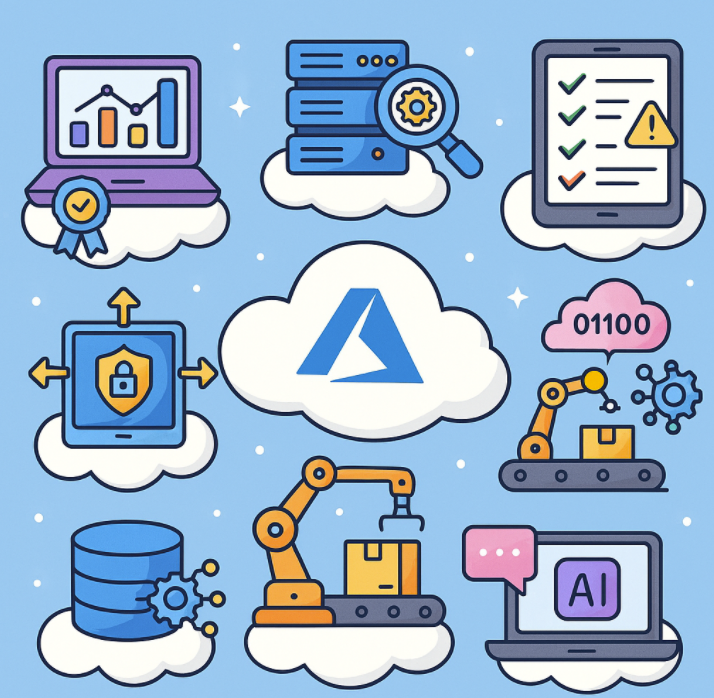
Top 7 Azure Services You Didn’t Know You Needed

When most people think of Microsoft Azure, they immediately picture the big players: virtual machines, databases, and storage. But Azure is more than just the backbone of cloud computing—it’s a treasure chest of lesser-known services… 

How to Fix Common OneNote Issues A Complete Troubleshooting Guide

Microsoft OneNote is a powerful tool for organizing notes, collaborating, and keeping track of ideas. But like any app, it isn’t without its quirks. From syncing errors to disappearing sections, many users experience issues that… 

Supercharging Your Workflow Using an AI Agent to Automate Jira Updates, PR Reviews, and Code Deployment

In modern software development, teams juggle multiple tools: Jira for project management, GitHub/GitLab for code collaboration, and CI/CD pipelines for deployment. Developers often spend significant time switching contexts—updating Jira tickets, reviewing pull requests, and triggering… 

Staying Connected on the Road How Travelers Can Make the Most of Microsoft Teams

Traveling is exciting—new places, new cultures, and new adventures. But if you’re someone who works remotely, studies while traveling, or just needs to stay connected with your team, staying productive on the road can be… 

How to Cut Your Azure Bill in Half Without Losing Performance

Cloud services like Microsoft Azure give you the scalability and flexibility to run nearly any workload, but they also come with a downside: costs can spiral quickly if you’re not careful. The good news? With… 

Azure for Beginners How to Launch Your First Cloud Project in 30 Minutes

Cloud computing might sound intimidating if you’re just getting started, but launching your first project on Microsoft Azure can actually be quick and beginner-friendly. Whether you’re a student, a developer testing ideas, or an IT… 

How to Build a No-Code Business Workflow in Microsoft 365

In today’s fast-paced digital workplace, organizations are constantly looking for ways to optimize processes without heavy reliance on IT or expensive developers. Luckily, Microsoft 365 offers a robust ecosystem of no-code tools that empower anyone—from… 

Centralized Logging in Azure Proven Observability Patterns for Modern Apps

As modern applications move to distributed and cloud-native architectures, observability becomes critical for ensuring system reliability, diagnosing issues, and improving performance. Among the three pillars of observability—logs, metrics, and traces—logs often form the foundation for…