Skip to content

How to Ask AI Meeting Assistants the Right Questions During Meetings

In today’s fast-paced hybrid work world, tools like Microsoft 365 Copilot (often simply “Copilot”) that sit inside your meeting platform are dramatically changing how we interact in meetings. But having access to a powerful AI… 
Copilot and Viva Empowering Employee Engagement

In today’s rapidly evolving workplace—defined by hybrid teams, digital collaboration, and shifting employee expectations—organizations must rethink how they engage, empower, and retain talent. That’s where the combined power of Microsoft 365 Copilot and Microsoft Viva… 

How Educators Can Teach AI Literacy Using Copilot

In today’s rapidly evolving digital landscape, teaching students how to understand, use, and critically evaluate artificial intelligence (AI) isn’t optional — it’s essential. By adopting the lens of AI literacy, educators can empower learners not… 

Getting Started with SharePoint Online for Collaboration

In today’s fast-paced world of hybrid work and remote teams, organizations need reliable platforms that promote communication, transparency, and productivity. SharePoint Online, the cloud-based version of Microsoft’s SharePoint platform, is one of the most powerful… 

Exchange Online Basics – How Email Works in Microsoft 365

In today’s business environment, email remains a critical communication tool—and increasingly, it’s running entirely in the cloud. If your organization uses or is considering using Exchange Online as part of Microsoft 365 (or even standalone),… 

Introduction to Microsoft 365 Apps for Business and Enterprise

In today’s fast-moving digital workplace, organizations need productivity tools that are secure, scalable, and always up to date. Microsoft offers two major editions of its flagship productivity suite — Microsoft 365 Apps for Business and… 

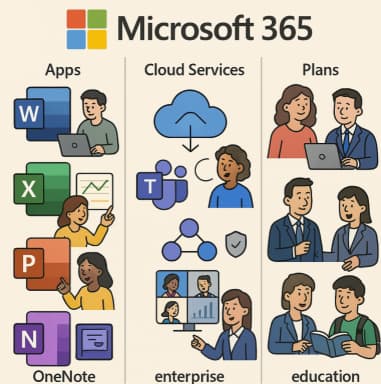
Overview of Microsoft 365 Products and Plans

In today’s digital-first world, productivity suites need to do more than provide word-processing and spreadsheets. They must offer seamless cloud storage, real-time collaboration, security, and intelligent features across devices. That’s exactly what Microsoft 365 delivers.… 

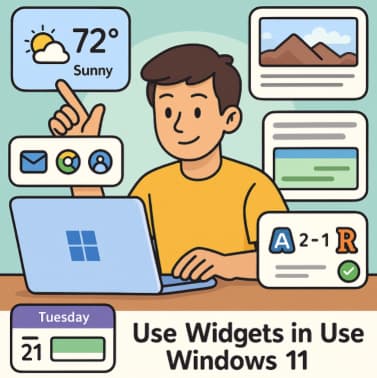
Personalizing Sounds, Cursors & Fonts in Windows 11 – A Complete Guide

In today’s digital world, your computer is more than a tool—it’s part of your personal space. The default settings of Windows 11 are great, but customizing your system’s look and feel can make your experience… 

Azure Free Tier & Cost Management Learn Azure Without Spending a Dime

If you’re eager to build cloud skills without racking up a big bill, Microsoft’s Azure Free Tier and Cost Management tools offer the perfect learning environment. You can get real, hands-on experience in the Azure… 

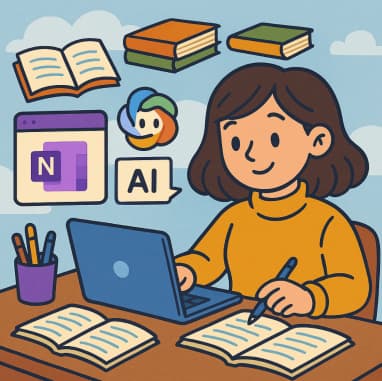
Create Learning Journals with Copilot in OneNote

In today’s fast-paced world, continuous learning is not just an option—it’s a necessity. Whether you’re a student, a professional, or a lifelong learner, keeping track of what you learn and how you grow is crucial.… 

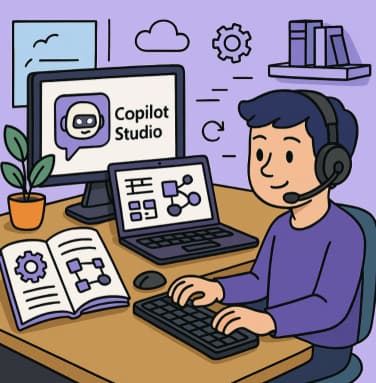
Using Copilot Studio with Dataverse: A Developer’s Guide

In today’s enterprise world, harnessing artificial intelligence to drive insights and respond to user questions is no longer optional — it’s essential. With Copilot Studio and Microsoft Dataverse, developers and makers can build intelligent agents…