Skip to content

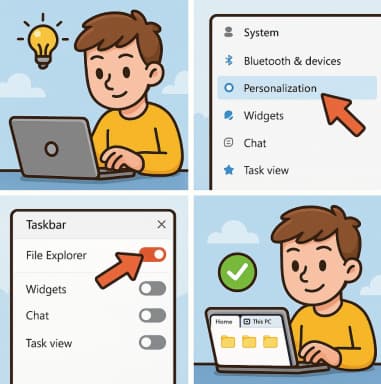
How to Enable Tabs in File Explorer in Windows 11

If you’ve ever wished File Explorer worked a little more like a modern web browser, you’re not alone. For years, Windows users requested a tabbed interface that would allow multiple folders to stay open in… 

Step-by-Step Guide to Changing Desktop Icons in Windows 11

Windows 11 brought a fresh, modern interface with rounded corners, centered taskbar, and smoother animations — but personalization remains at the heart of the experience. One of the simplest ways to make your PC feel… 

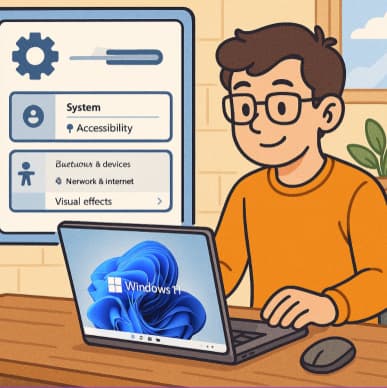
How to Disable or Customize Transparency Effects in Windows 11 – Full Guide

Windows 11 introduces a sleek and modern look through Microsoft’s Fluent Design System, which includes elements like transparency, acrylic blur, and Mica effects. These features make menus, taskbars, and system backgrounds appear layered and translucent,… 

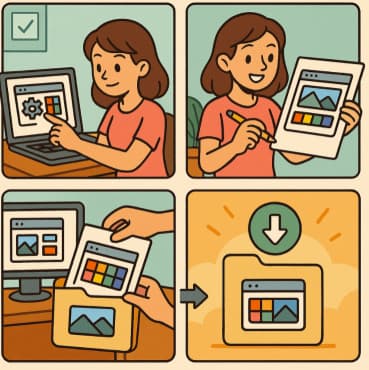
How to Build and Save Your Own Theme Pack in Windows 11 A Complete Guide

Windows 11 offers a sleek, modern interface with a host of personalization options that let users express their creativity. Whether you prefer a minimalist, vibrant, or dark aesthetic, you can modify almost every visual aspect… 

Adding Animated Wallpapers to Your Desktop in Windows 11

If you’re running Windows 11 and want to make your desktop feel more alive, animated wallpapers (also called live wallpapers) are a great way to do it. Instead of using a static picture, you can… 

10 Ways to Customize the Start Menu in Windows 11

The Start menu is the heart of your Windows 11 experience. It’s where you access apps, documents, and system tools, all within a single click. Microsoft redesigned the Start menu for a cleaner and more… 

Hidden Settings That Make Multitasking Easier in Windows 11

Windows 11 was designed with productivity in mind. Its modern interface and streamlined tools make it one of Microsoft’s most multitasking-friendly operating systems ever. But beneath the clean design lie hidden settings that most users… 

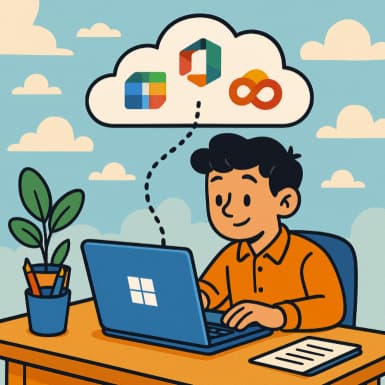
Connecting Windows 11 with Microsoft 365 for Better Workflow

In today’s fast-paced digital environment, productivity and seamless collaboration are vital for success. Whether you’re a business professional, student, or freelancer, efficiency depends on how well your devices and tools work together. Microsoft’s ecosystem —… 

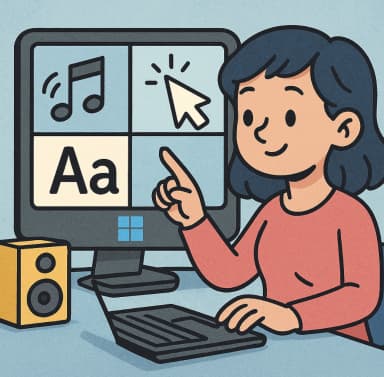
Personalizing Sounds, Cursors & Fonts in Windows 11 – A Complete Guide

In today’s digital world, your computer is more than a tool—it’s part of your personal space. The default settings of Windows 11 are great, but customizing your system’s look and feel can make your experience… 

Using Widgets Effectively in Windows 11

With Windows 11, Microsoft introduced the Widgets feature — a fly-out panel that gives quick access to personalized information like weather, news, calendar events, and more. While it might seem like a simple cosmetic addition,… 

Why Use Windows 11 for Smart Home Control

In a modern connected home, we expect to be able to control lights, thermostats, security cameras, smart locks and other devices not just from our phones—why not from our PC? With Windows 11, you can…