
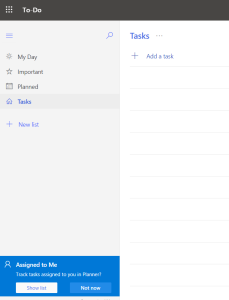
We talked before in previous post ” https://dellenny.com/flag-email-in-outlook-will-add-task-for-you-on-to-do-list/ ” on how to see flagged emails, but in case you did not get notification to allow connection between emails and To Do, you need to go to settings as shown in this blog.
Go to Microsoft To Do and press on settings:
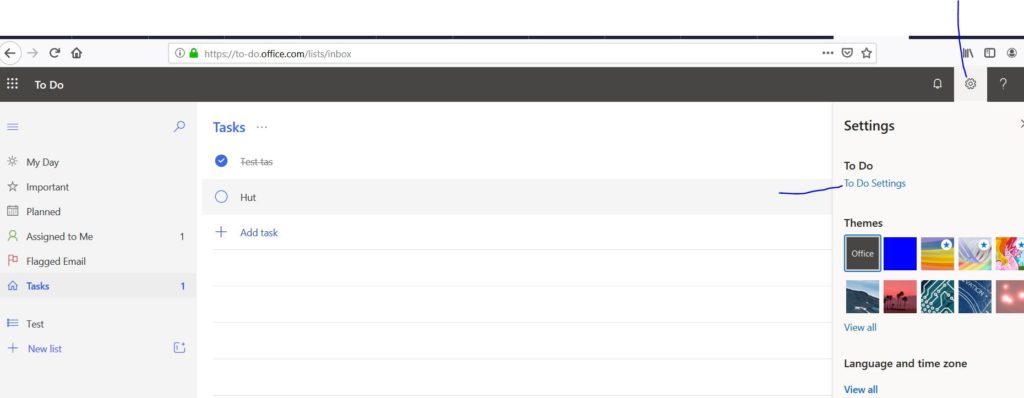
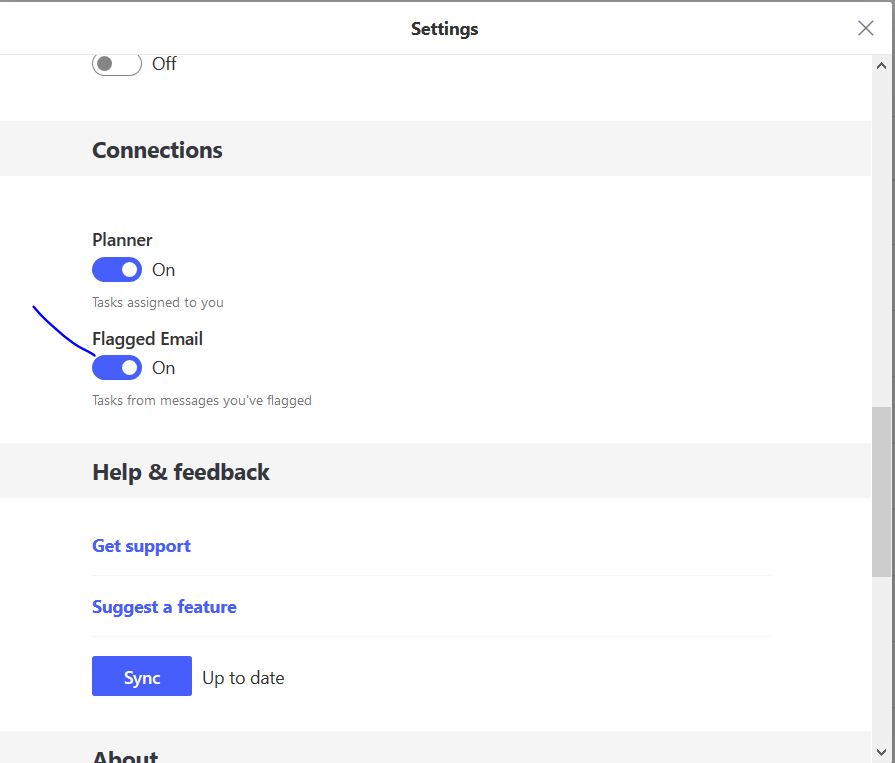
Then on press on To Do Settings this will open this dialog make sure that you select Flagged emails as on as show below
Extra posts:
 Microsoft 365 Moves Settings, My Day and Sync to More Menu: What Users Need to Know
  Microsoft Defender for Office 365 Is Changing How Promotional Emails Are Handled
  How to Manage Teams Permissions and Privacy Settings
  Allow Forwarding of emails in Office 365
 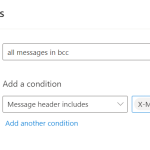 Create Rule for emails you are in the BCC
  Listen to your office 365 outlook emails