Skip to content

Microsoft 365

How to Use Copilot in Outlook A Step by Step Guide

Microsoft’s Copilot in Outlook is a game-changer for managing emails efficiently. Powered by AI, it helps you draft emails, summarize long threads, and even suggest responses, saving you time and effort. If you’re looking to… 

Microsoft Teams Immersive Space 3D and Mesh App

In the rapidly evolving digital workspace, Microsoft has consistently been at the forefront of innovation, and their latest offering — Teams Immersive Spaces powered by Mesh — is a testament to this leadership. Designed to… 

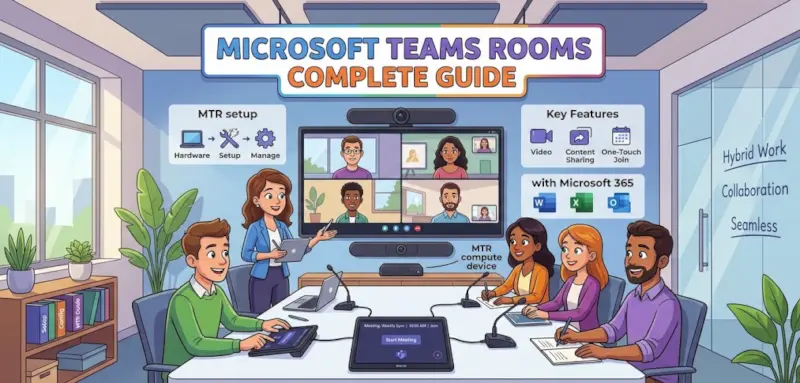
Microsoft Teams Rooms Complete Guide

A meeting room should make collaboration easier, not force employees to spend the first ten minutes troubleshooting microphones, connecting laptops, or figuring out how to join a call. For IT teams supporting hybrid work, the… 

Viva Engage The Future of Workplace Communication and Collaboration

In today’s fast-evolving digital workplace, employee engagement and collaboration are no longer optional—they are essential. As organizations embrace remote and hybrid work models, the challenge of keeping employees connected, informed, and motivated has grown significantly.… 

How to Use Microsoft Purview Data Loss Prevention (DLP) to Protect Sensitive Data

In today’s digital workplace, data moves faster than ever. Employees collaborate through email, Microsoft Teams, SharePoint, and OneDrive—often sharing sensitive information without realizing the risk. Financial records, personal data, customer information, and confidential business documents…