Skip to content

Integrating Copilot in Microsoft Teams Channels and Projects: A Step-by-Step Guide

Modern workplaces thrive on collaboration, speed, and clarity. Microsoft Teams has already become the backbone of teamwork for many organizations, but the introduction of Microsoft Copilot takes collaboration to an entirely new level. By embedding… 

No-Code AI: How Non-Developers Can Build Smart Chatbots with Copilot Studio

Artificial Intelligence is no longer reserved only for developers and data scientists. Over the last few years the no-code AI platforms have completely changed how businesses, creators, and everyday professionals interact with advanced technology. One… 

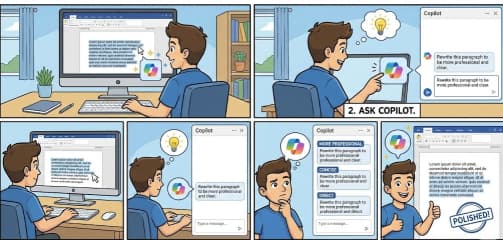
How to Ask Copilot to Improve Tone and Clarity in Microsoft Word

While working in a word document and trying to make your writing sound more polished, professional, or simply easier to understand. Most of us want our writing to be clear and confident now as Microsoft… 

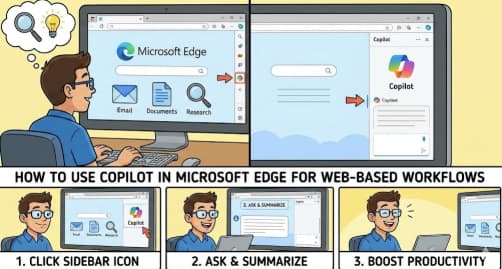
How to Use Copilot in Microsoft Edge for Web Based Workflows

The modern web workflow now is about working faster, tasks automation and gaining insights . Microsoft Edge is enhancing beyond a traditional web browser with the help of Copilot an integrated AI assistant built directly… 

Connecting SharePoint Data to Copilot Insights A Complete Guide to Smarter Collaboration

AI is changing the workplace very fast than any other time. Using Microsoft 365 Copilot can help organizations get the true potential of their internal knowledge. SharePoint as the backbone of content and collaboration becomes… 

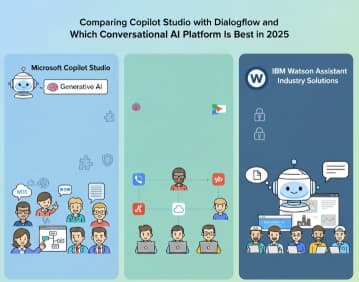
Comparing Copilot Studio with Dialogflow and IBM Watson Assistant: Which Conversational AI Platform Is Best in 2025?

Conversational AI continues to evolve at incredible speed, with businesses relying on chatbots and virtual agents to automate support, streamline workflows, and deliver personalized user experiences. As organizations look for more intelligent, scalable solutions, three… 

The Evolution of Conversational AI in Microsoft’s Ecosystem

Over the past two decades, conversational AI has shifted from a futuristic curiosity to a core part of how we interact with technology. And while many companies have shaped this field, one of the most… 

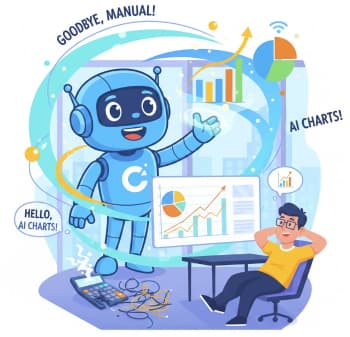
Goodbye, Hours of Chart-Making: Hello, Copilot

Taking a neat table of numbers and turning it into a beautiful, insightful chart can feel like a chore. You know, clicking through menus, tweaking axis labels, and hoping you picked the right type of… 

Your Guide to Debugging and Reviewing Copilot-Generated Code

The rise of AI coding assistants like GitHub Copilot has been a game-changer. It’s like having a hyper-efficient, incredibly well-read junior developer peering over your shoulder, offering code snippets and completing functions almost as fast… 

Turbocharge Your Coding Top GitHub Copilot Shortcuts and Productivity Tips for VS Code

GitHub Copilot isn’t just a fancy autocomplete; it’s a true AI pair programmer that can fundamentally change how you write code. But like any powerful tool, mastering it requires knowing the hidden tricks and, most… 

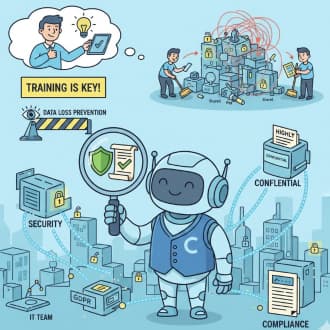
Security and Compliance Considerations When Using Copilot in Enterprise Environments

We see these new AI tools, like Copilot, helping us do work faster, write better emails, and summarize long documents. It’s like having a super-smart assistant right next to you. But for people who look… 

Stop Guessing Your Guide to Asking Copilot Questions About Your Spreadsheets

Let’s be honest—how many times have you opened an enormous Excel file and instantly felt your brain shut down a little? You know the insights are in there somewhere… the trend that matters, the weird…