Skip to content

Using Copilot in Loop Components for Seamless Collaboration

Collaboration has evolved dramatically in the modern digital workplace. Teams need intelligent tools to help them think, create, and build ideas together—no matter where they are. Microsoft Loop introduces a new, dynamic way to collaborate… Using Copilot in Loop Components for Seamless Collaboration

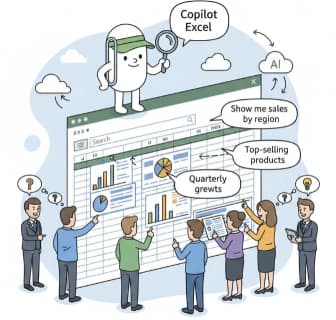
Step-by-Step: Your First Data Analysis with Copilot in Excel

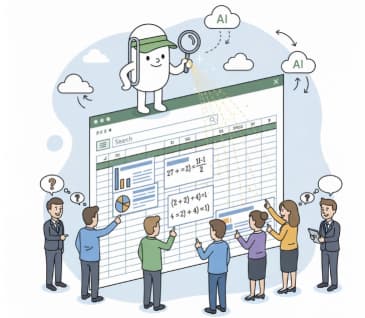
Data analysis has traditionally required a combination of technical skills, domain knowledge, and familiarity with complex Excel formulas. Today, Microsoft Copilot in Excel makes the process faster, more intuitive, and more approachable—even for beginners. Copilot… Step-by-Step: Your First Data Analysis with Copilot in Excel

How to Generate Formulas Using Copilot in Excel

In recent years, artificial intelligence has transformed the way we work in productivity tools, and Microsoft Excel is no exception. With the introduction of Copilot in Microsoft 365, users can now generate formulas, automate workflows,… How to Generate Formulas Using Copilot in Excel

Analyzing Sales Data with Copilot

In today’s fast-paced business world, being able to efficiently analyze sales data is crucial for making informed decisions. Traditionally, this required advanced spreadsheet skills, experience with formulas, or even specialized data analysis tools. But with… Analyzing Sales Data with Copilot

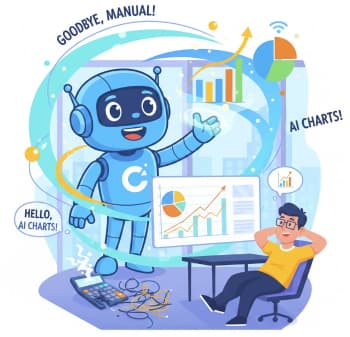
Goodbye, Hours of Chart-Making: Hello, Copilot

Taking a neat table of numbers and turning it into a beautiful, insightful chart can feel like a chore. You know, clicking through menus, tweaking axis labels, and hoping you picked the right type of… Goodbye, Hours of Chart-Making: Hello, Copilot

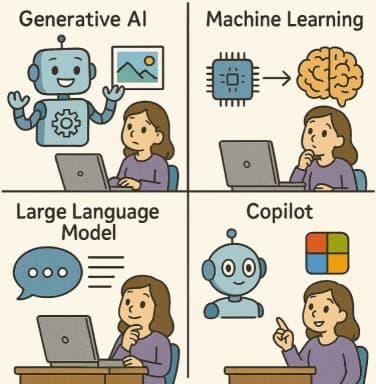
AI Terms Explained for Microsoft 365 Users

Welcome to the future of work! If your days revolve around Word, Excel, Outlook, and Teams, you’ve probably noticed something huge changing: Artificial Intelligence (AI) isn’t just a sci-fi concept anymore; it’s right there in… AI Terms Explained for Microsoft 365 Users