Skip to content

Automating Your Digital Peace Quiet Hours and Focus Assist

Constant pings, banners, and chimes can turn even the calmest work session into a notification battlefield. Windows’ Focus Assist and Quiet Hours are great tools for silencing distractions — but if you have to remember… 

10 Microsoft Outlook Features You Didn’t Know You Needed

Most people use Outlook for sending and receiving emails… and that’s about it. But buried inside are tools that can save you time, keep you organized, and make your workday smoother. Here are 10 features… 
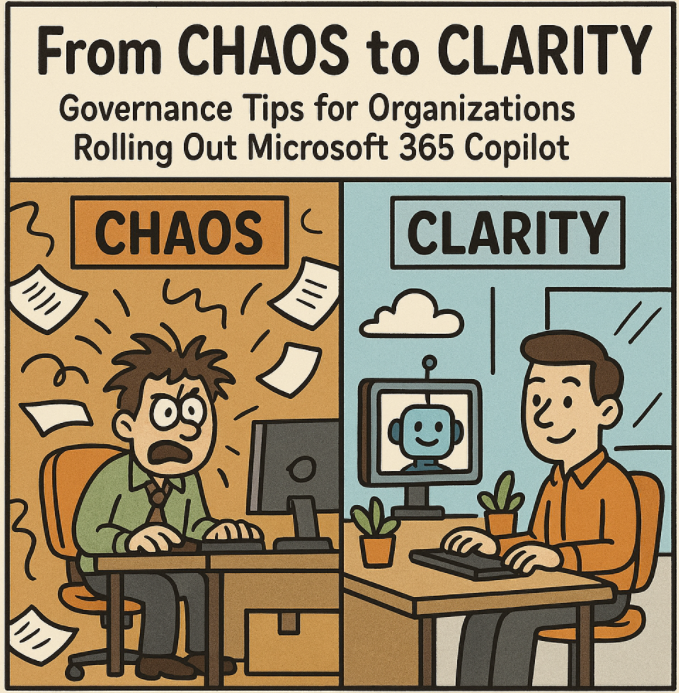
From Chaos to Clarity Governance Tips for Organizations Rolling Out Microsoft 365 Copilot

The arrival of Microsoft 365 Copilot has many organizations excited about AI-powered productivity. But without the right governance, that excitement can quickly turn into confusion—or worse, security and compliance risks. Rolling out Copilot isn’t just… 

Managing Access and Permissions for Copilot in Microsoft 365

As Microsoft 365 Copilot becomes a central part of workplace productivity, organizations face a critical challenge: enabling powerful AI capabilities while keeping sensitive data secure. Managing access and permissions effectively ensures that Copilot delivers value… 

Work Smarter, Not Harder Automating Repetitive Tasks with Microsoft 365 Copilot

In the modern workplace, time is your most valuable resource. Yet for many professionals, hours are still lost to repetitive, low-value tasks — formatting documents, drafting routine emails, or organizing meeting notes. Microsoft 365 Copilot… 

How to Use Copilot for Data Analysis in Excel

1. Set Up Your Environment 2. Start Using Copilot 3. Ask Copilot to Analyze 4. Advanced Analysis with Python 5. Practical Use Cases 6. Strengths & Limitations 7. Tips for Best Results Summary Table Step… 

Machine Learning in Azure A Beginner’s Guide to Building Intelligent Solutions

Artificial Intelligence (AI) is no longer a buzzword — it’s a core driver of modern applications, from predictive analytics to real-time personalization. Microsoft Azure provides a powerful, cloud-based platform to make machine learning (ML) accessible,… 

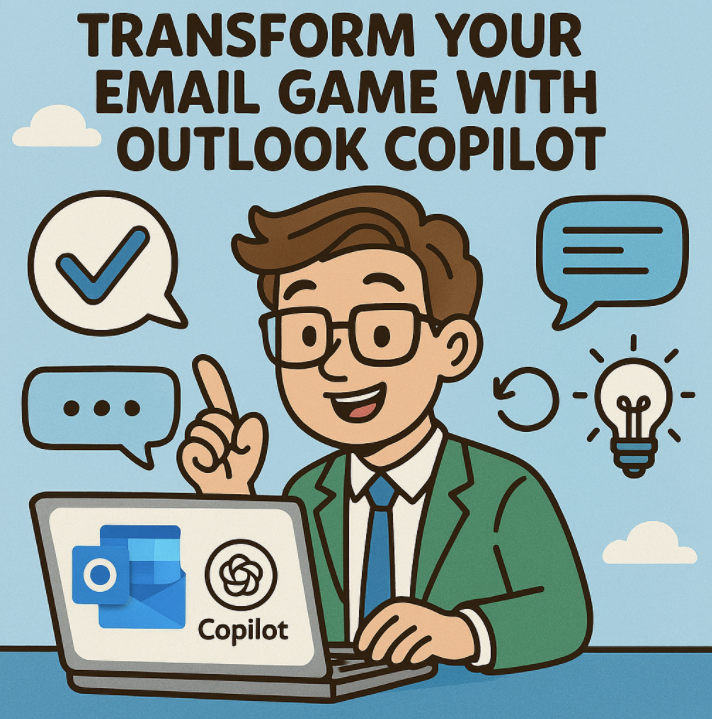
Transform Your Email Game with Outlook Copilot

In today’s fast-paced digital workplace, managing your inbox shouldn’t slow you down—it should empower you. That’s where Outlook Copilot, Microsoft’s AI-powered assistant, steps in to elevate your email experience with intelligent drafting, summarizing, prioritizing, and… 

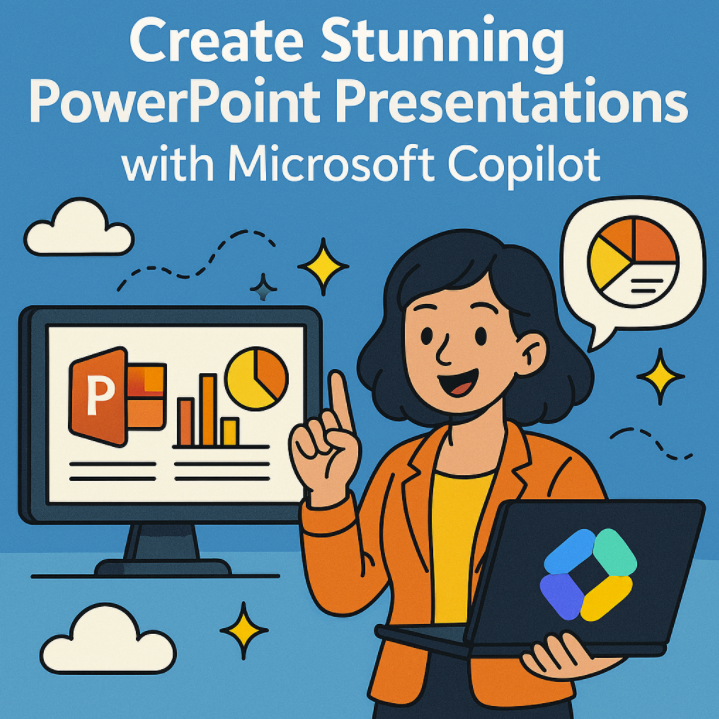
Create Stunning PowerPoint Presentations with Microsoft Copilot

In today’s fast-paced world, presentations need to be more than just functional—they need to grab attention, tell a story, and leave a lasting impact. Microsoft Copilot, integrated into PowerPoint, is changing the way professionals, educators,… 

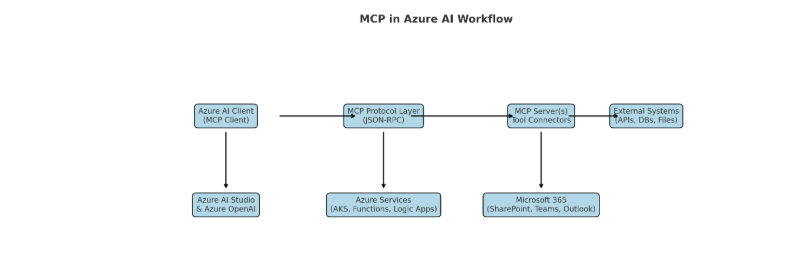
MCP & AI Unlocking Agentic Intelligence with a “USB-C Connector” for AI

What Is MCP? MCP, or Model Context Protocol, is an open-source standard introduced by Anthropic in November 2024. It’s designed to create a unified bridge between AI models—especially large language models (LLMs)—and external systems like… 

GPT‑5 Finally Arrives in Microsoft 365 Copilot

As of August 7, 2025, Microsoft has officially integrated GPT‑5 into Microsoft 365 Copilot across all platforms—web, Windows, Mac, and mobile. The rollout is currently prioritized for licensed users, with broader availability coming soon. What’s… 

What Is Microsoft Copilot Studio? A Beginner’s Guide

In today’s AI-driven world, tools that help businesses and individuals automate tasks, build smart assistants, and streamline workflows are becoming increasingly essential. One such tool that’s creating a lot of buzz is Microsoft Copilot Studio.…