Skip to content

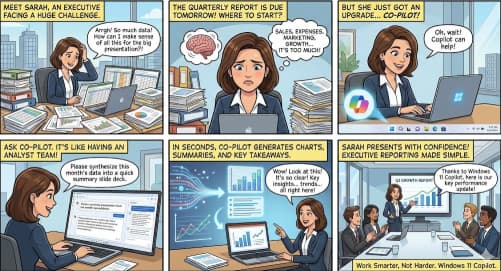
Executive Reporting Made Simple with Windows 11 Copilot

In today’s fast-paced business environment, executives don’t have time to sift through raw spreadsheets, scattered dashboards, or lengthy email threads. They need clear, concise, and data-driven insights fast. That’s where Windows 11 Copilot steps in.… Executive Reporting Made Simple with Windows 11 Copilot
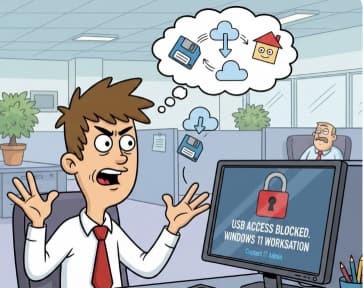
How do I manage app permissions in Windows 11?

Definitely now is the most important time to start worrying about protecting your personal information as protecting this information is just as important as the hardware and software you use. With Windows 11, Microsoft introduced… How do I manage app permissions in Windows 11?

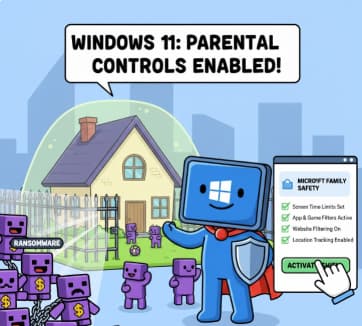
How to Set Up Parental Controls with Microsoft Family Safety

The internet has become a big part of our daily lives. Children use computers, phones, and tablets for learning, entertainment, and communication. This is great—technology helps kids grow, learn new skills, and explore the world.… How to Set Up Parental Controls with Microsoft Family Safety

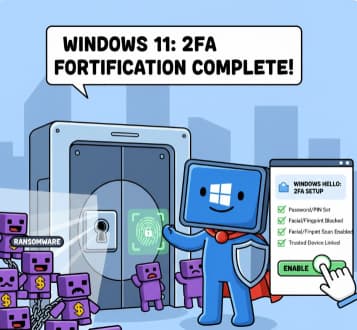
How to Enable Two-Factor Authentication (2FA) in Windows 11

Cybersecurity has become more important than ever. With so much of our work, personal communication, banking, and private information stored on our computers, simply having a password is no longer enough. Passwords can be guessed,… How to Enable Two-Factor Authentication (2FA) in Windows 11

Configuring Windows Firewall for Maximum Safety

Windows computers are used everywhere—at home, in schools, and in businesses. Because they are connected to the internet, they face many security risks such as malware, hackers, and network attacks. One of the most important… Configuring Windows Firewall for Maximum Safety