Skip to content

How Enterprises Are Leveraging Microsoft Copilot to Drive Innovation

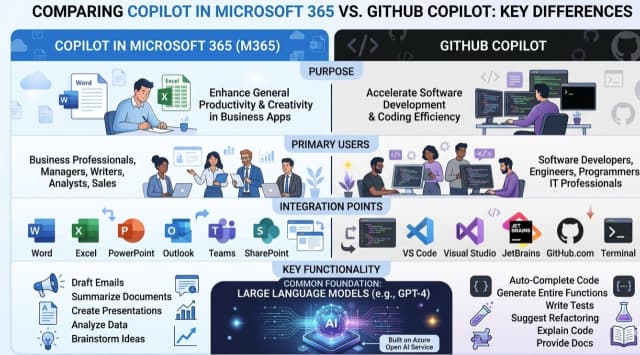
In today’s rapidly evolving digital landscape, enterprises are under immense pressure to innovate, enhance productivity, and deliver customer-centric solutions faster than ever. Microsoft Copilot, an AI-powered assistant integrated across Microsoft 365, GitHub, Dynamics 365, and… 

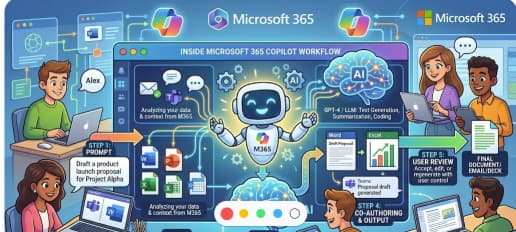
Preparing Your Team for Microsoft 365 Copilot A Change Management Guide

Microsoft 365 Copilot is more than a flashy new feature—it’s a powerful AI assistant woven into the apps your team already uses: Word, Excel, Outlook, Teams, and beyond. With the right preparation, it can transform… 

How Enterprises Are Using Microsoft Copilot to Boost Productivity, Drive Innovation, and Gain a Competitive Edge

Artificial intelligence is no longer a future aspiration—it’s here, woven into the fabric of modern business. Microsoft Copilot, powered by advanced large language models and seamlessly integrated across the Microsoft 365 ecosystem, is at the… 

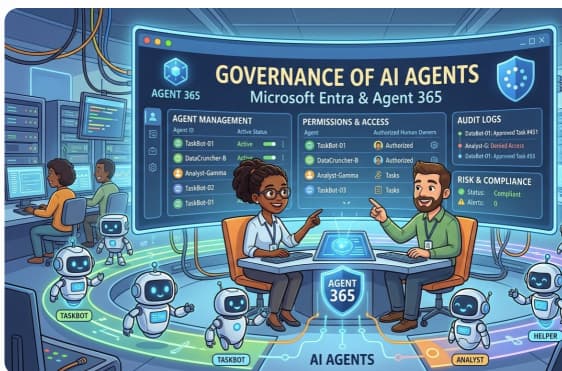
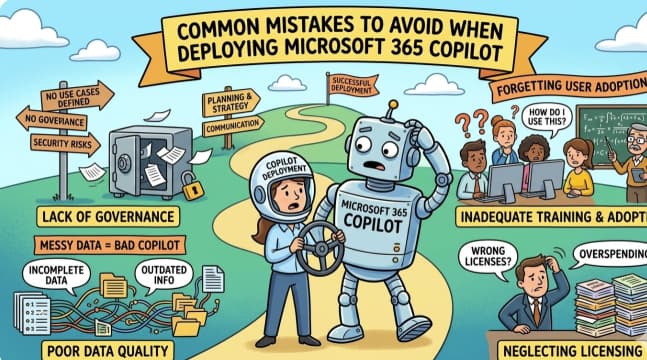
From Chaos to Clarity Governance Tips for Organizations Rolling Out Microsoft 365 Copilot

The arrival of Microsoft 365 Copilot has many organizations excited about AI-powered productivity. But without the right governance, that excitement can quickly turn into confusion—or worse, security and compliance risks. Rolling out Copilot isn’t just… 

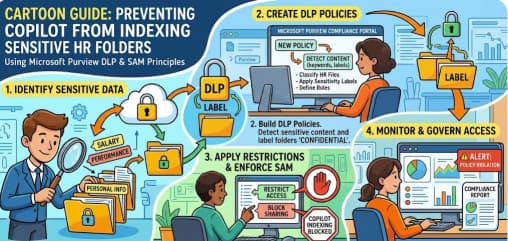
Managing Access and Permissions for Copilot in Microsoft 365

As Microsoft 365 Copilot becomes a central part of workplace productivity, organizations face a critical challenge: enabling powerful AI capabilities while keeping sensitive data secure. Managing access and permissions effectively ensures that Copilot delivers value… 

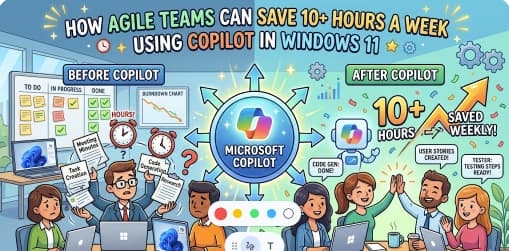
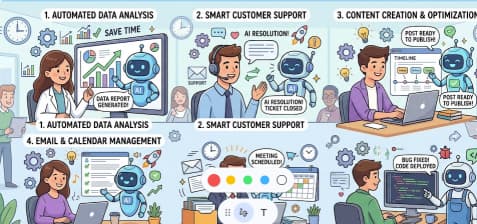
Work Smarter, Not Harder Automating Repetitive Tasks with Microsoft 365 Copilot

In the modern workplace, time is your most valuable resource. Yet for many professionals, hours are still lost to repetitive, low-value tasks — formatting documents, drafting routine emails, or organizing meeting notes. Microsoft 365 Copilot… 

How to Use Copilot for Data Analysis in Excel

1. Set Up Your Environment 2. Start Using Copilot 3. Ask Copilot to Analyze 4. Advanced Analysis with Python 5. Practical Use Cases 6. Strengths & Limitations 7. Tips for Best Results Summary Table Step… 

Transform Your Email Game with Outlook Copilot

In today’s fast-paced digital workplace, managing your inbox shouldn’t slow you down—it should empower you. That’s where Outlook Copilot, Microsoft’s AI-powered assistant, steps in to elevate your email experience with intelligent drafting, summarizing, prioritizing, and… 

Create Stunning PowerPoint Presentations with Microsoft Copilot

In today’s fast-paced world, presentations need to be more than just functional—they need to grab attention, tell a story, and leave a lasting impact. Microsoft Copilot, integrated into PowerPoint, is changing the way professionals, educators,… 

GPT‑5 Finally Arrives in Microsoft 365 Copilot

As of August 7, 2025, Microsoft has officially integrated GPT‑5 into Microsoft 365 Copilot across all platforms—web, Windows, Mac, and mobile. The rollout is currently prioritized for licensed users, with broader availability coming soon. What’s… 

Using Microsoft Copilot in Word to Write Faster and Smarter

In today’s fast-paced digital world, writing isn’t just about putting words on a page—it’s about doing it faster, smarter, and with more impact. Whether you’re drafting a report, creating content for your business, or just… 

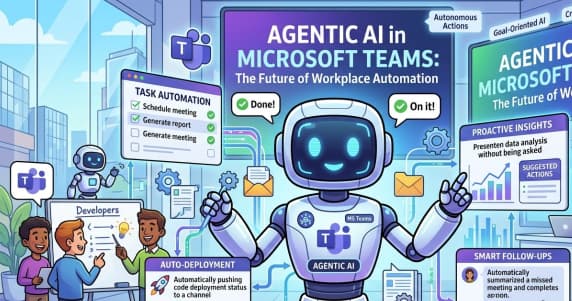
How Microsoft 365 Copilot Is Changing Project Management in Teams

In today’s fast-paced business environment, effective project management means cutting through noise to focus on what matters. Enter Microsoft 365 Copilot, the AI-powered assistant transforming how teams plan, execute, and collaborate within Microsoft Teams. Real-Time Meeting…