
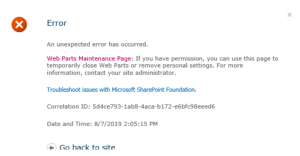
Have you ever got such screen when you open SharePoint page on premise edition like 201, 2016 and 2019?
This usually happens because you have faulty web part
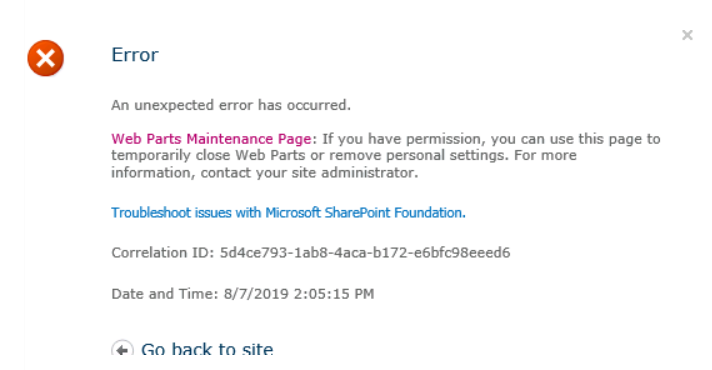
To resolve that we need to remove the faulty page
so we need to navigate to the url and add at the end ?contents=1 like the following example
https://mysite.com/sites/test1/x.aspx?contents=1
Then we will get a page where we have list of web parts we select what we suspect and remove them.
More Helpful Links:
SharePoint On Premise Diagnostic (OPD) Tool available
OneDrive Personal Vault rolling
SharePoint and OneDrive: mass delete notification in Office 365
Continue working on your Android phone using Microsoft Launcher and OneDrive
Prevent sharing of OneDrive files outside your company
How to know files you shared in OneDrive
SharePoint and OneDrive integration with Adobe
OneDrive file sync and backups
OneDrive you don’t have permissions message when accessing file that you own
Asses your SharePoint before migration to Office 365
Free SharePoint Migration tool to SharePoint Online and Office 365
Checklist for migration between SharePoint versions and new farms
Microsoft SharePoint Migration Tool now supports SharePoint Server 2010 available
Extra posts:
 SharePoint On Premise Diagnostic (OPD) Tool available
  SharePoint On premise Restoring Content Databases between Farms
  SharePoint Online Page Diagnostics Tool Migration Scripts for SharePoint On premise
  Interactive web site using SharePoint Communication Site for your company
  Copy Data to Office 365 using On Premise Gateway